British passport from the US
UK Passport Photo Requirements for Online and Paper Applications
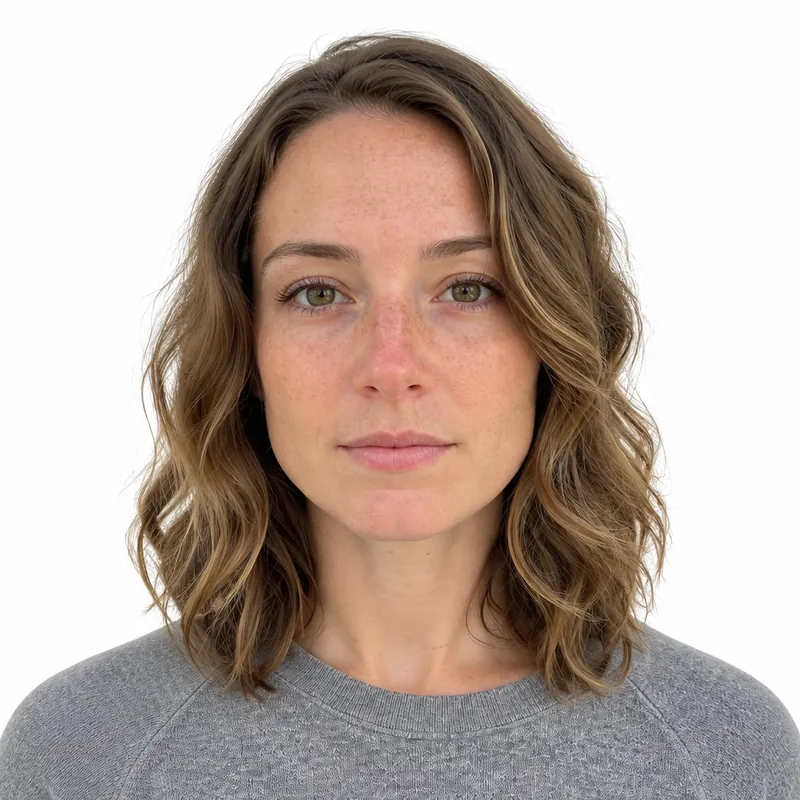
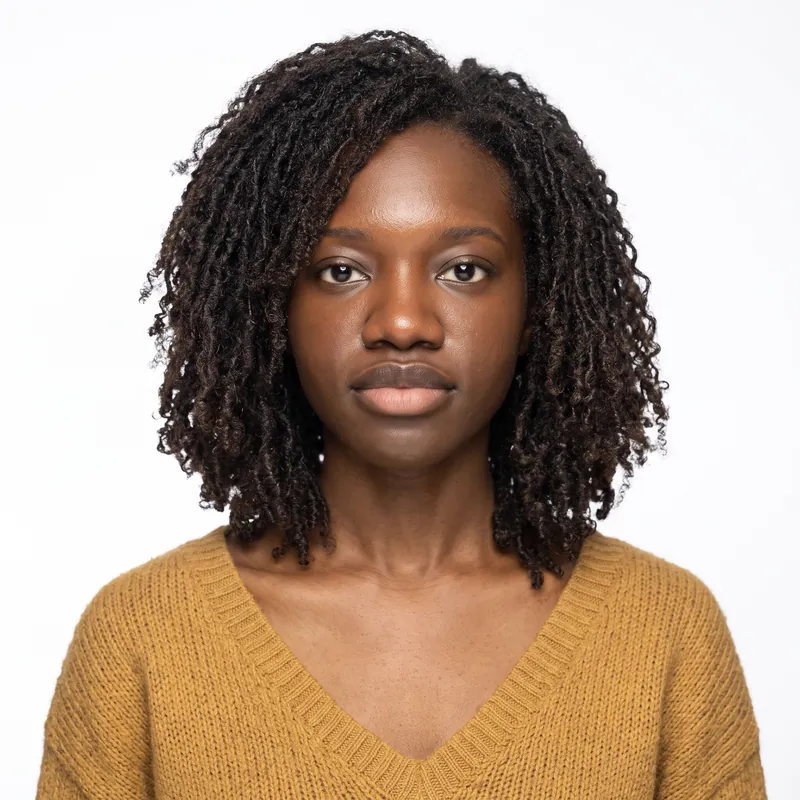
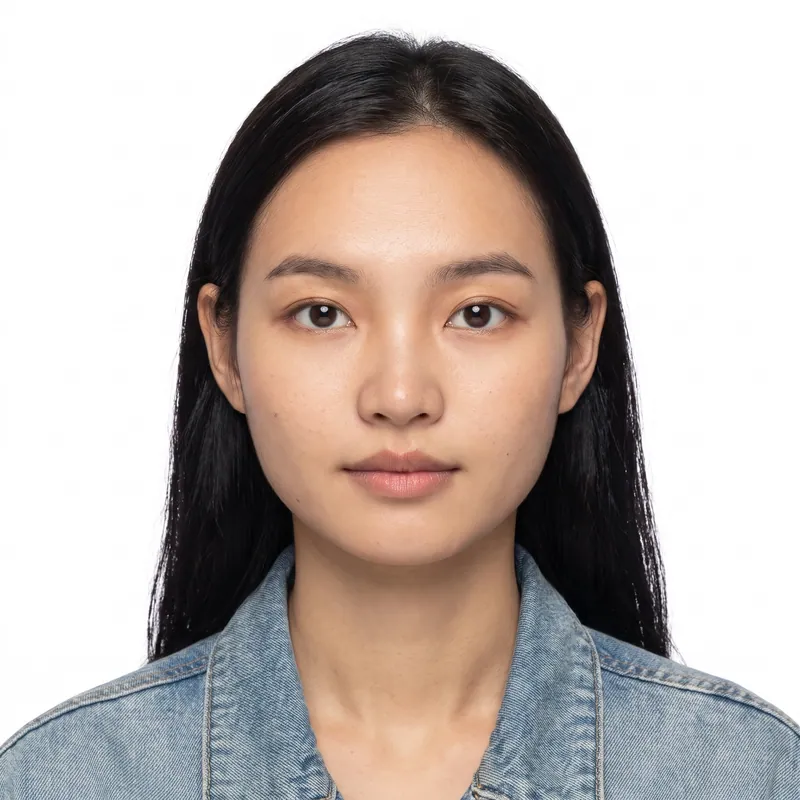
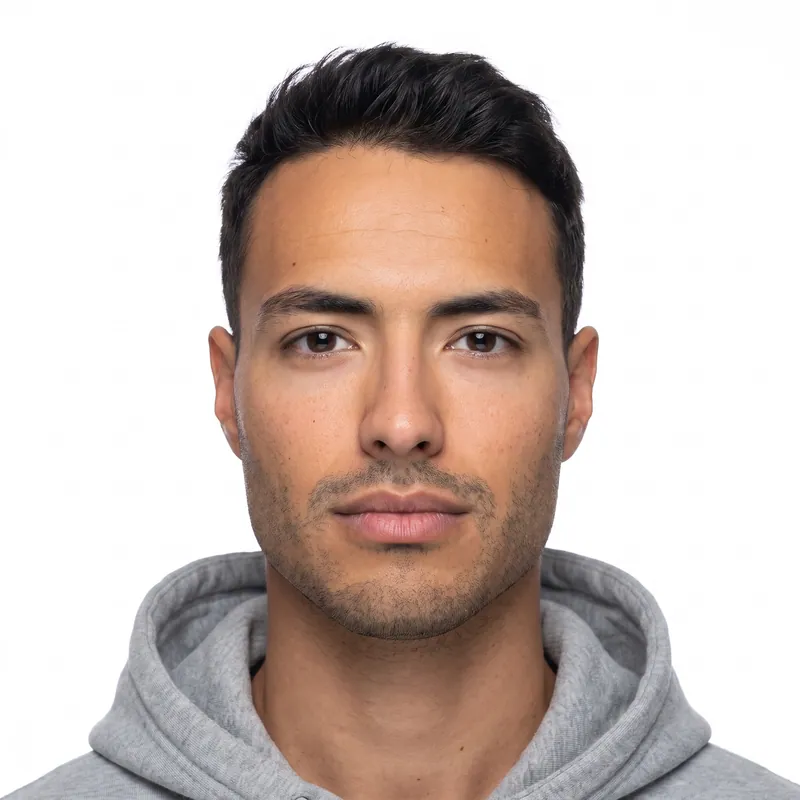
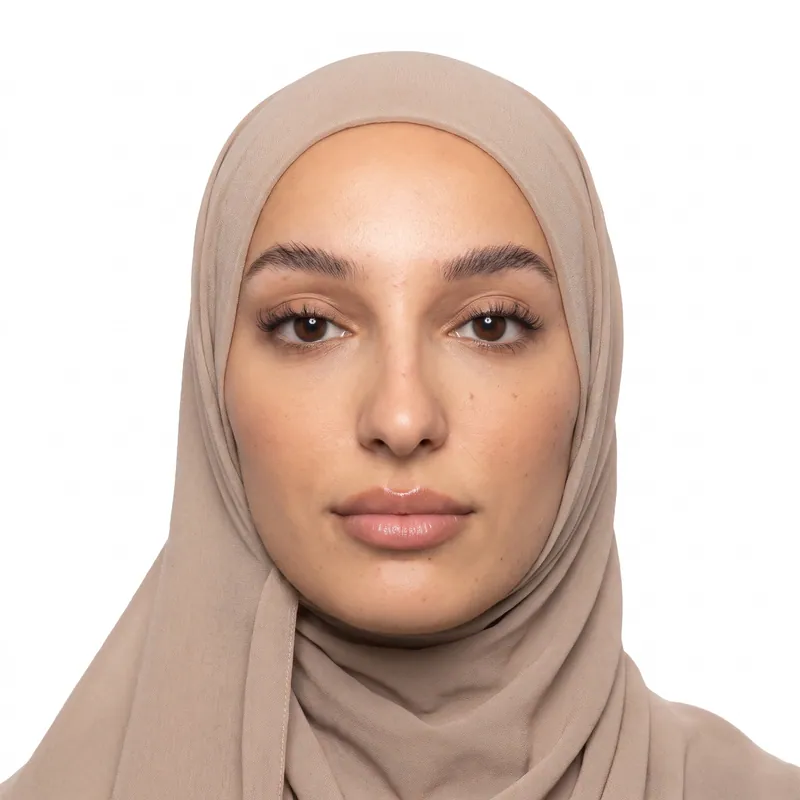
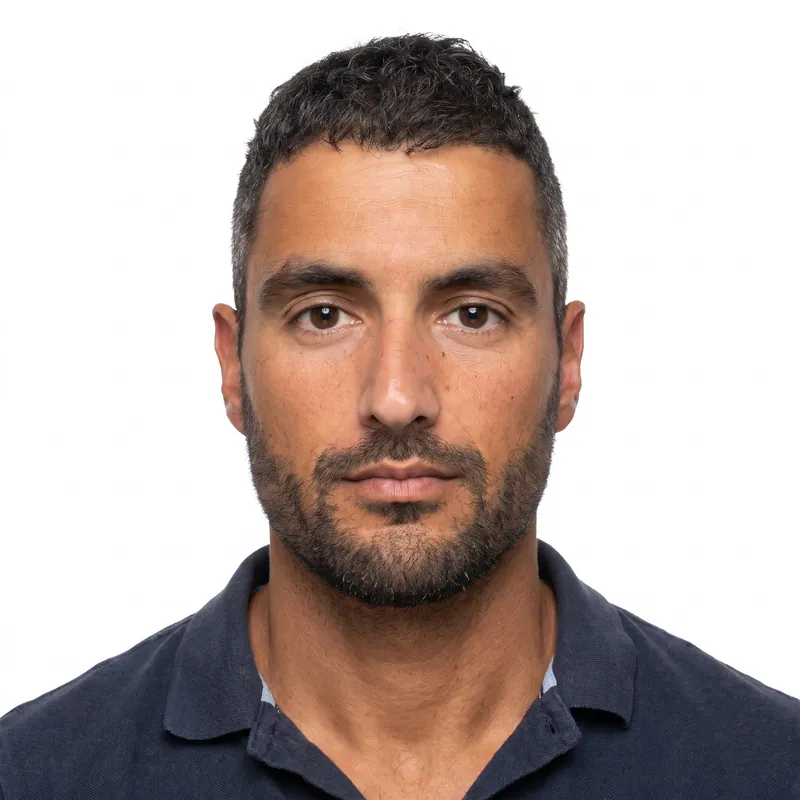
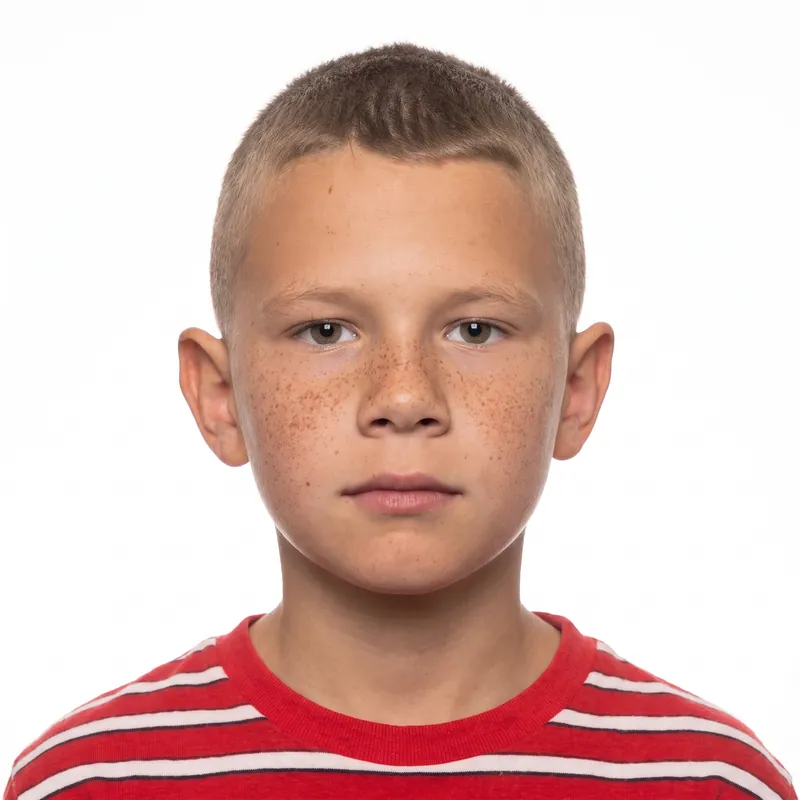
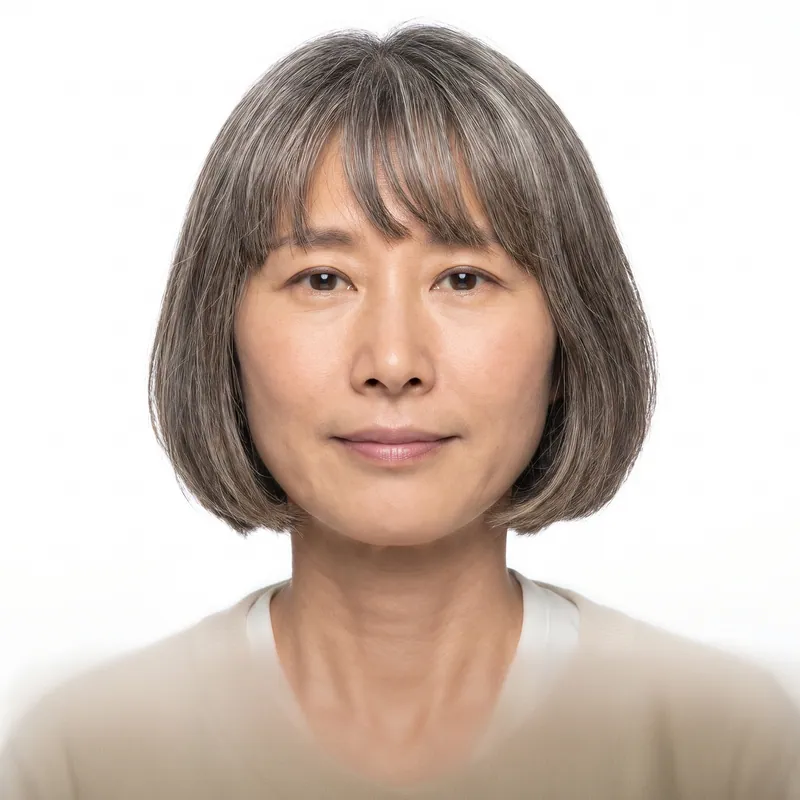
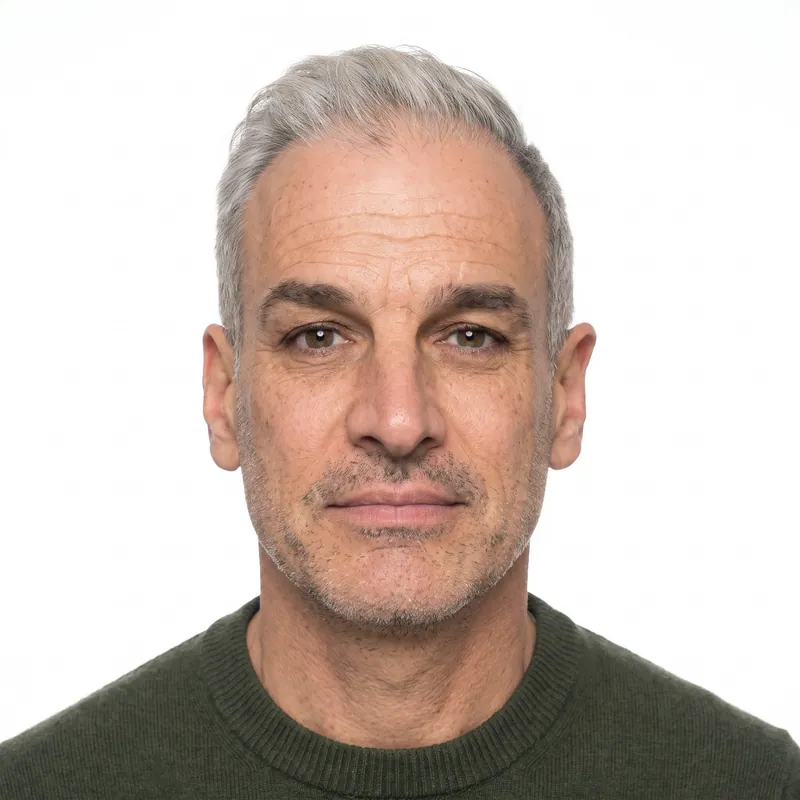
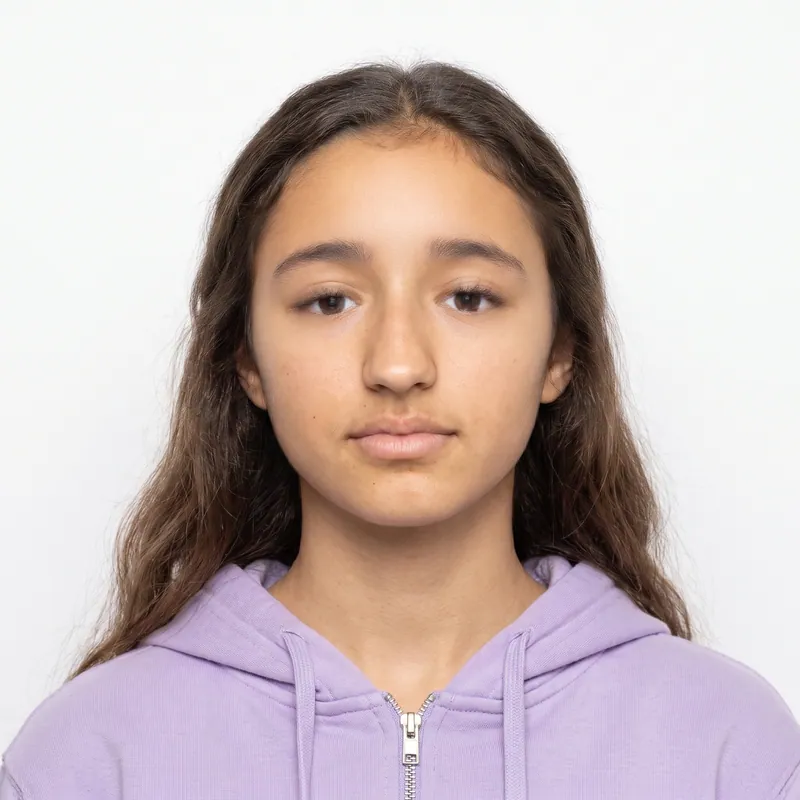
A UK passport photo must be 45 mm high and 35 mm wide, with a head height of 29 to 34 mm, a plain cream or light gray background, and it must be taken within the last month. For online applications, GOV.UK wants an uncropped digital photo of at least 600 x 750 pixels. PhotoForPass makes both from a phone photo in about a minute.
- 14-day money-back guarantee
- Photo stays on your device until you pay
- Checked against official rules
Key takeaways
- The UK has the strictest recency rule of any major passport: the photo must be taken within the last month.
- For the online application, upload an uncropped photo showing your head, shoulders and upper body. GOV.UK does the cropping.
- Printed photos are 45 x 35 mm with a 29 to 34 mm head, which is smaller than the 32 to 36 mm used for Schengen visas.
- Keep a plain expression with your mouth closed. Glasses are best avoided.
At a glance
- Printed size
- 45 mm high x 35 mm wide (not cut down from a bigger photo)
- Head height (print)
- 29 to 34 mm, chin to top of head
- Digital size
- At least 600 x 750 pixels
- Digital file size
- 50 KB to 10 MB
- Cropping
- Do not crop the digital photo: GOV.UK crops it for you
- Background
- Plain and light, such as cream or light gray
- Taken
- Within the last month
- Paper application
- 2 identical printed photos
- Photo size
- 35 x 45 mm (1.38 x 1.77 in)
- Head heightchin to top of head
- 29 to 34 mm
- Eye linefrom the bottom edge
- 13.5 to 27 mm
- Background
- Plain, light-coloured background in clear contrast to you.
- Glasses
- Avoid if possible.
- Expression
- Plain expression, mouth closed, eyes open and visible, facing forward, looking straight at the camera.
- Taken
- Taken in the last month.
- Digital file
- JPEG (typical) · 50 KB to 10 MB
UK passport photo requirements at a glance
HM Passport Office (HMPO) uses one set of rules for the face and two formats for the file: a digital photo for online applications and printed photos for paper forms. The table shows both side by side, taken from the GOV.UK photo pages and the HMPO photo standards.
The most common surprise for British citizens living in the US is the recency rule. A photo from your last US passport or visa will not do, even if you look the same, because GOV.UK asks for a photo taken in the last month for every new passport.
| Requirement | Digital photo (online) | Printed photo (paper) |
|---|---|---|
| Size | At least 600 x 750 pixels | 45 mm high x 35 mm wide |
| File size | 50 KB to 10 MB | Not applicable |
| Framing | Head, shoulders and upper body, uncropped | Head 29 to 34 mm, chin to top of head |
| Background | Plain, light-colored, in clear contrast to you | Plain cream or light gray |
| Color and edits | Color, in focus, not altered by editing software | Color, professional quality, no border |
| Expression | Plain expression, mouth closed, eyes open | Same |
| Recency | Taken in the last month | Taken in the last month |
| How many | 1 digital photo or photo code | 2 identical prints |
Applying for a UK passport from the US: why the photo is uncropped
Most British nationals in the US renew or apply online on GOV.UK, so the digital photo is the one that matters. GOV.UK gives you two ways to add it: a photo code from a booth or shop, or a digital photo you take yourself during the application.
Photo codes vs your own digital photo
Photo codes are issued by photo booths and shops that offer the service, and those are mainly in the UK. From the US, you will almost always use the second route and upload your own digital photo. GOV.UK says you will need someone to help you take it.
Do not crop it
This is where many online passport photo tools go wrong. GOV.UK says not to crop your digital photo because it will be cropped for you. It wants your head, shoulders and upper body in the frame. A tightly cropped head shot, like a US 2 x 2 photo, can fail the automatic check. That is why PhotoForPass delivers an uncropped head-and-shoulders file for the online route, at 1200 x 1500 pixels, which is well above the 600 x 750 minimum.
When you need printed photos
If you are asked to use a paper form, you need 2 identical printed photos at 45 x 35 mm. Leave both sides unmarked unless the photo needs countersigning, and send them loose rather than stuck to the form.
Digital vs printed UK passport photos from PhotoForPass
Every UK order is built for both routes, so you do not have to guess which one you will use. The digital photo comes first, and the print sheet is optional.
- Digital photo ($16.95): an uncropped JPG for the GOV.UK online application, at least 600 x 750 pixels and well under 10 MB.
- Photo + print sheet ($18.95): the same digital file plus a print-ready 4 x 6 inch sheet (JPG and PDF) with 8 photos at 35 x 45 mm. Print it at CVS, Walgreens or Walmart and cut along the guides.
GOV.UK says printed photos must be professional quality, on plain white photo paper, with no border, creases or tears. Order the sheet as a glossy or matte 4 x 6 photo print, not a home print on plain paper.
Why UK passport photos get rejected
Most rejections come from a handful of avoidable problems. Check these before you upload or mail anything.
- Too old. The photo was taken more than a month ago, or reused from a previous passport.
- Cropped too tight. A digital photo cut down to the head alone, instead of head, shoulders and upper body.
- Shadows. Shadows on your face or on the wall behind you. Face a window and stand a step away from the wall.
- Busy background. Patterns, doors, plants or other people in the frame.
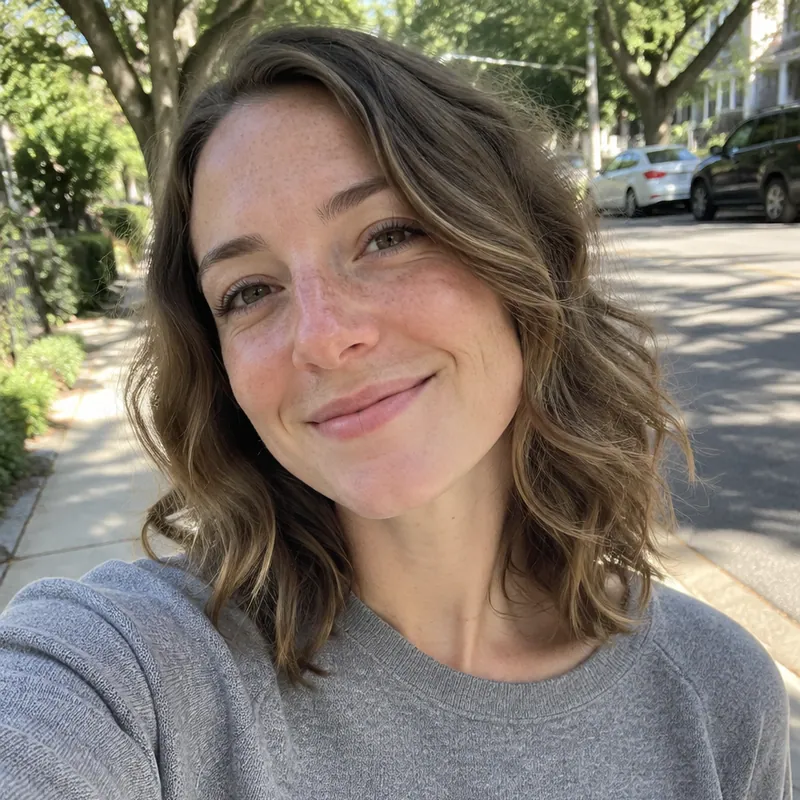
- Expression. Smiling with teeth, mouth open, or eyes half closed.
- Glasses. Glare or frames covering the eyes. GOV.UK says to avoid glasses if you can, and tinted lenses are never allowed.
- Hair or head covering over the face. Hair must not cover your eyes. Head coverings are allowed only for religious or medical reasons, with the face fully visible.
- Edited images. GOV.UK asks for a photo that is not altered by editing software, so skip beauty filters and face retouching apps.
UK passport photos for babies and children
Children get more flexible rules, but the child must be alone in the picture. No toys, dummies or a parent's hands in view.
Children under 6 do not need to look straight at the camera or keep a plain expression. For babies under 1, the eyes do not need to be open, and you can support the head as long as your hand does not show. A practical trick is to lay the baby on a plain light sheet and take the photo from above, with the phone parallel to the baby's face.
How PhotoForPass makes your UK passport photo
PhotoForPass is built around the GOV.UK rules, including the uncropped digital format. You take or upload a photo on any phone or computer, and our checks run in your browser before you pay, so your photo stays on your device until then.
We check face position, head size, eyes, lighting, shadows and background against the UK rules. Then we even out the lighting, give you a plain light background, and size and crop the photo twice: an uncropped head-and-shoulders file for GOV.UK and a 35 x 45 mm print version. Each order includes up to 5 photo checks and 3 free redos per person, and files are ready about 30 to 60 seconds after payment.
Start with a well-lit photo against a plain light wall, so the image needs as little change as possible. GOV.UK notes that booth or shop photos are more likely to be approved than photos taken on your own device, and final acceptance is always up to HM Passport Office. If your photo is rejected, our 14-day money-back guarantee gives you a full refund.
How to take a UK passport photo at home
About 5 minutes
-
Step 1: Find a plain light wall
Stand about one step in front of a plain cream, light gray or white wall, with no doors, frames or plants behind you.
-
Step 2: Face the light
Face a window or a soft light so your face is evenly lit. Avoid overhead light that casts shadows under the eyes and on the wall.
-
Step 3: Ask someone to help
GOV.UK says you will need someone to help take the photo. Have them hold the phone at your eye level, about 1.5 m (5 ft) away, using the rear camera.
-
Step 4: Frame head and upper body
Include your head, shoulders and upper body with space around them. Do not zoom in or crop: GOV.UK crops the digital photo for you.
-
Step 5: Hold a plain expression
Look straight at the camera with your mouth closed and eyes open. Push hair away from your eyes and take off glasses if you can.
-
Step 6: Check and download
Upload the photo to PhotoForPass, review the checks, then download the uncropped digital file for GOV.UK and the 35 x 45 mm print sheet if you need it.
Pricing
Simple prices, no subscription
Pay once, only when you like the result. Every package includes up to 5 photo checks and 3 free redos per person.
-
Digital photo
For online forms only
$16.95- Official-size digital JPG
- Ready for online applications
- Up to 5 checks, 3 free redos
- Most popular
Photo + print sheet
Digital file and prints
$18.95- Everything in Digital
- Print-ready 4x6 sheet (JPG + PDF)
- Print at home, CVS, Walgreens or Walmart
-
Family pack, 2 people
Two people, one order
$29.95- Photo + print sheet for 2 people
- Each person checked separately
- One checkout
- Best value
Family pack, 3 people
Three people, one order
$39.95- Photo + print sheet for 3 people
- Each person checked separately
- One checkout
Prices in US$. One-time payment with Apple Pay, Google Pay, cards or Link.
FAQ
Frequently asked questions
What size is a UK passport photo?
A printed UK passport photo is 45 mm high and 35 mm wide, with a head height of 29 to 34 mm from chin to the top of the head. It must not be cut down from a larger photo. For online applications there is no fixed print size: GOV.UK asks for a digital photo of at least 600 x 750 pixels and 50 KB to 10 MB, showing your head, shoulders and upper body.
Can I take my own UK passport photo with my phone?
Yes. GOV.UK lets you take a digital photo on your own device during the online application, and it says you will need someone to help you take it. The photo must be in color, in focus, on a plain light background and not altered by editing software. GOV.UK also notes that booth or shop photos are more likely to be approved, so careful lighting and framing matter.
Should I crop my digital UK passport photo?
No. GOV.UK says not to crop your digital passport photo because it will be cropped for you. Include your head, shoulders and upper body. A tight head-only crop, like a US 2 x 2 photo, can fail the check. PhotoForPass gives you an uncropped head-and-shoulders file for the online route and a separate 35 x 45 mm version for printing.
What background color is required for a UK passport photo?
A UK passport photo needs a plain, light-colored background in clear contrast to you. The printed-photo page says plain cream or light gray. There must be no shadows on your face or behind you, and no patterns, objects or other people. A pure white wall usually works if your skin and hair contrast with it, but light gray is the safest choice.
How recent does a UK passport photo have to be?
A UK passport photo must be taken within the last month. This is stricter than the 6 months used for US passports and most visas. You need a new photo for every new passport, even if your appearance has not changed, so do not reuse a photo from a previous British passport or another application.
Can you smile in a UK passport photo?
No. A UK passport photo needs a plain expression with your mouth closed and your eyes open and visible. A big smile or open mouth can be rejected. Children under 6 are the exception: they do not need to keep a plain expression or look straight at the camera.
Can I wear glasses in a UK passport photo?
GOV.UK says to avoid glasses if you can. If you must wear them, they cannot be sunglasses or tinted, and the frames, glare, reflection or shadows must not cover your eyes. The simplest way to avoid a rejection is to take your glasses off for the photo.
How do I get a UK passport photo code in the US?
UK photo codes come from photo booths and shops that offer the service, and those are mainly in the UK. From the US, the normal route is to choose the option to use your own digital photo in the GOV.UK application and upload it. PhotoForPass gives you an uncropped digital file that fits that route.
Is a UK passport photo the same as a 35x45 or Schengen visa photo?
The print size is the same, 35 x 45 mm, but the rules differ. A UK passport photo needs a head height of 29 to 34 mm and a cream or light gray background, and it must be taken within the last month. A Schengen visa photo uses a 32 to 36 mm face and can be up to 6 months old. Choose the document by name so the head size is right.
Do UK passport photos need to be signed on the back?
Only when the application needs a countersignatory. Otherwise GOV.UK says to leave both sides of a printed UK passport photo unmarked and send the photos loose, not stuck to the form. Online applications have no printed photo, so there is nothing to sign.
What are the rules for a baby UK passport photo?
The baby must be alone in the photo with no toys, dummies or visible hands. Babies under 1 do not need open eyes, and you can support the head if your hand is out of the shot. Children under 6 do not need a plain expression or to look straight at the camera. Laying a baby on a plain light sheet and shooting from above works well.
What happens if HM Passport Office rejects my photo?
HM Passport Office will ask you for a new photo, which can delay your passport. Acceptance is always up to HMPO. If a PhotoForPass photo is rejected, you can make a new one with one of your 3 free redos, or claim a full refund under our 14-day money-back guarantee.
Related
- 35 x 45 mm photo The ICAO size used across Europe
- Irish passport photo 35 x 45 mm for Irish applications
- Schengen visa photo 35 x 45 mm for European visas
- Take it at home Light, background and framing tips
- Print your photos Print a 4x6 sheet at home or in store
- Passport photo checker Check a photo against the rules
- What to wear Clothes that photograph well
- Glasses rules When glasses are and are not allowed
Official sources
We check these pages when the rules change. Last updated Nov 8, 2026.
Ready when you are
Get your UK passport photo
Uncropped digital file for GOV.UK plus a 35 x 45 mm print sheet, checked against the UK rules in your browser. 14-day money-back guarantee.
- 14-day money-back guarantee
- Photo stays on your device until you pay
- Checked against official rules
Every document
Photos for passports, visas and IDs
Each document has its own size and rules. Pick yours and we set everything up.