DS-160 and DS-260
U.S. Visa Photo for the DS-160 and DS-260
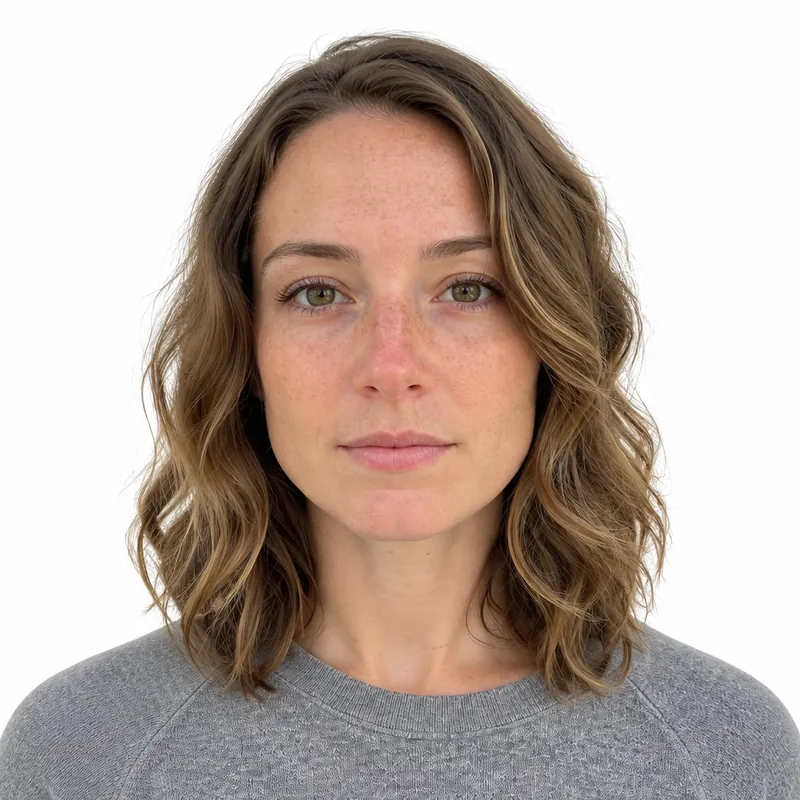
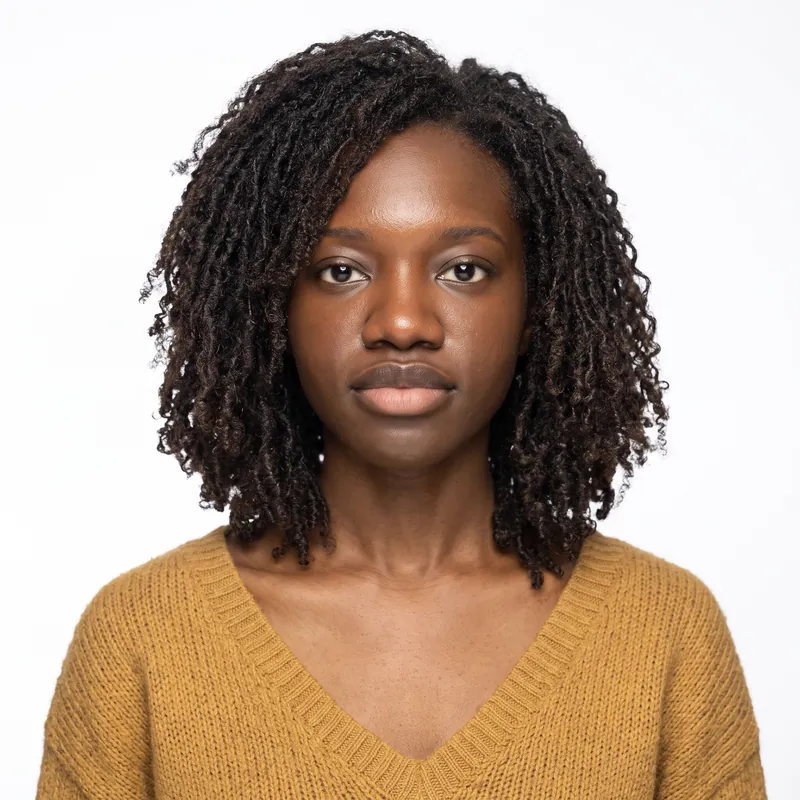
A U.S. visa photo for the DS-160 is a square color JPEG between 600 x 600 and 1200 x 1200 pixels, no larger than 240 KB, on a plain white or off-white background, with your head filling 50% to 69% of the image. It must be taken within 6 months, and glasses are not allowed. PhotoForPass creates an upload-ready file from a phone photo in about a minute.
- 14-day money-back guarantee
- Photo stays on your device until you pay
- Checked against official rules
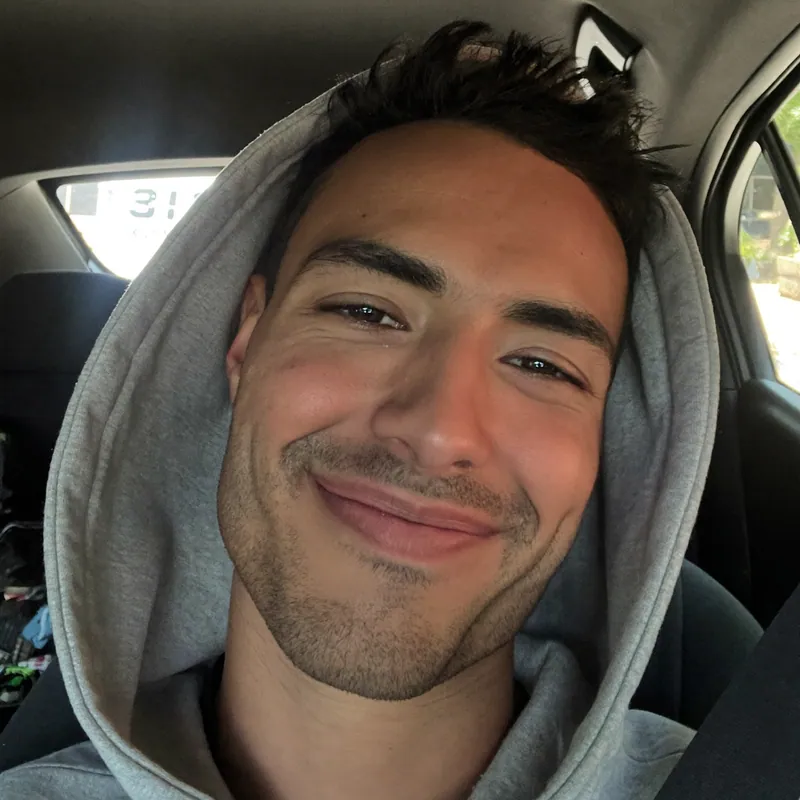
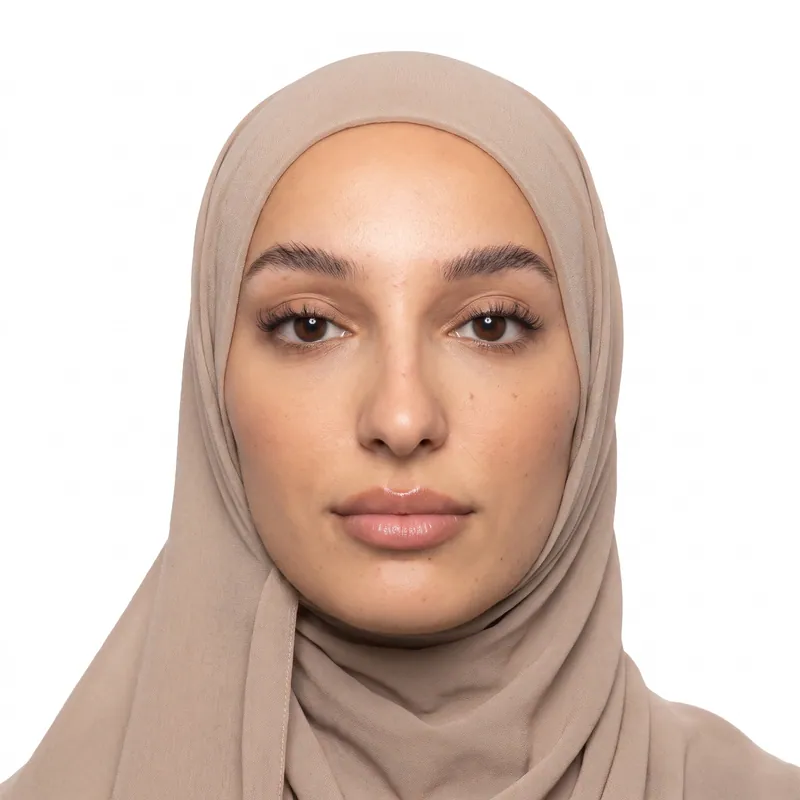
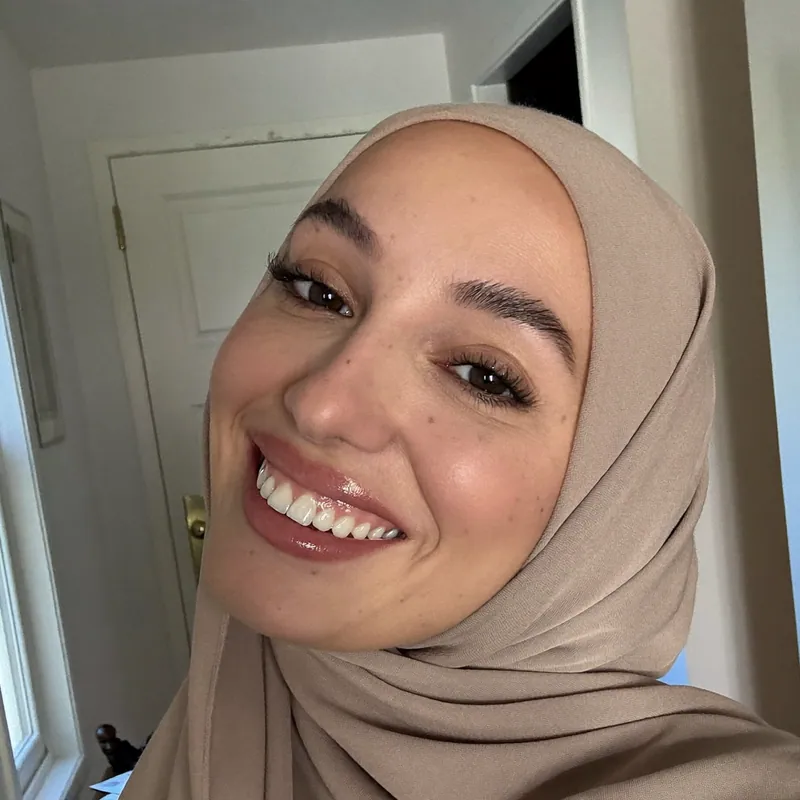
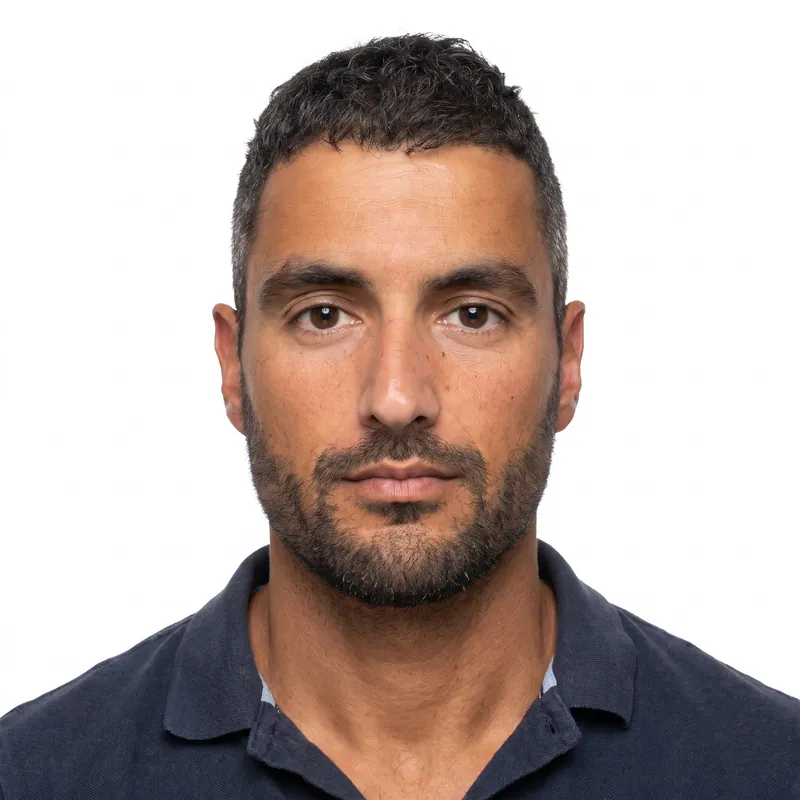
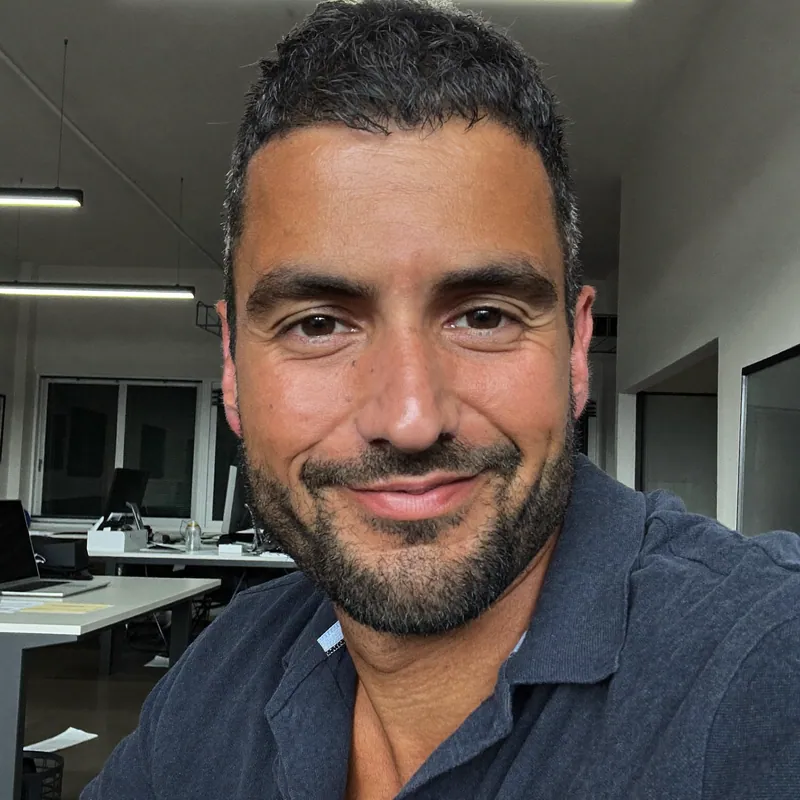
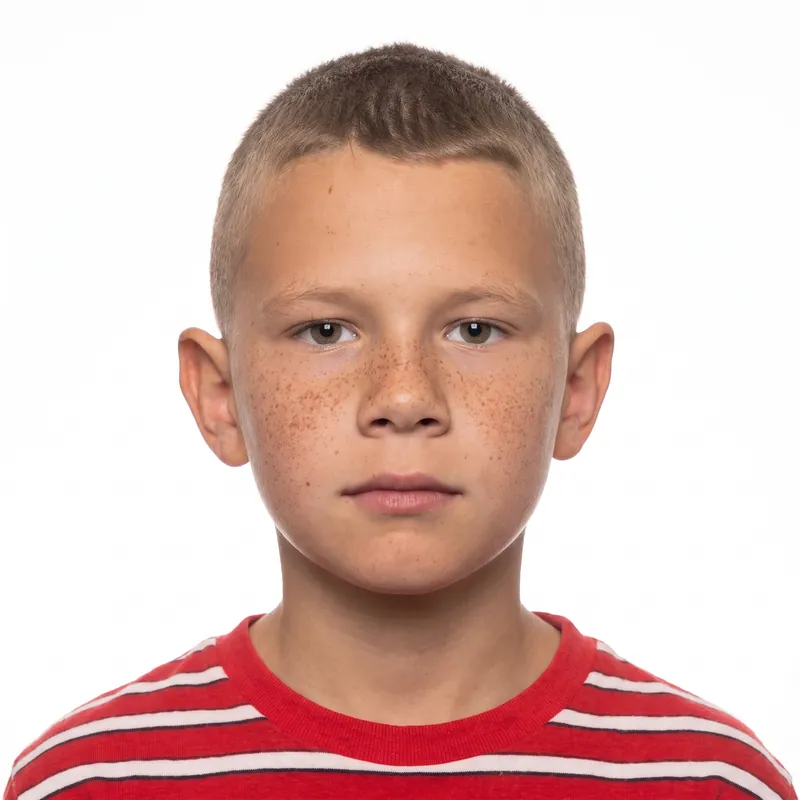
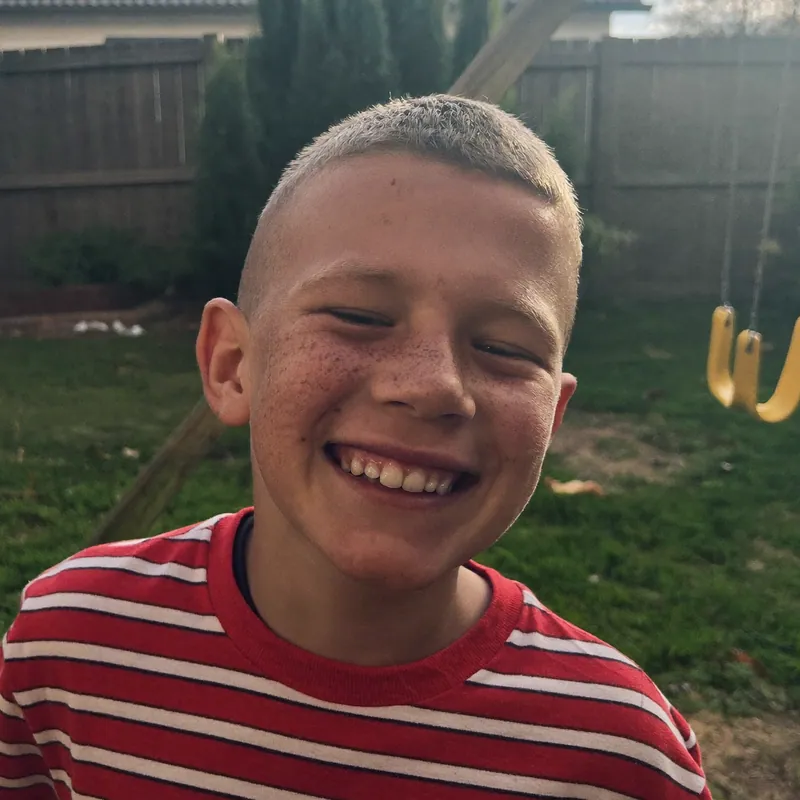
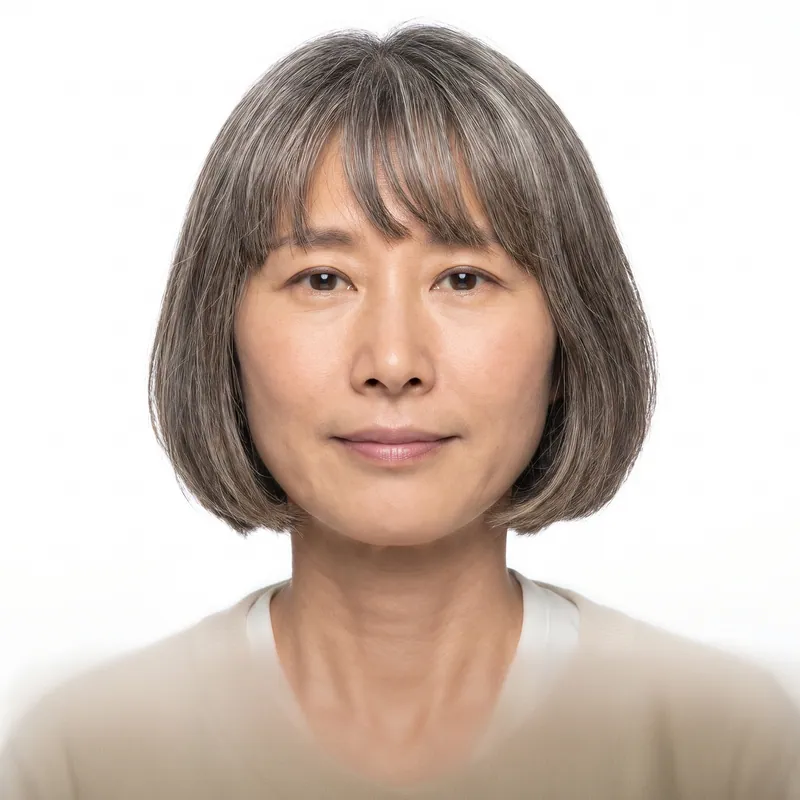
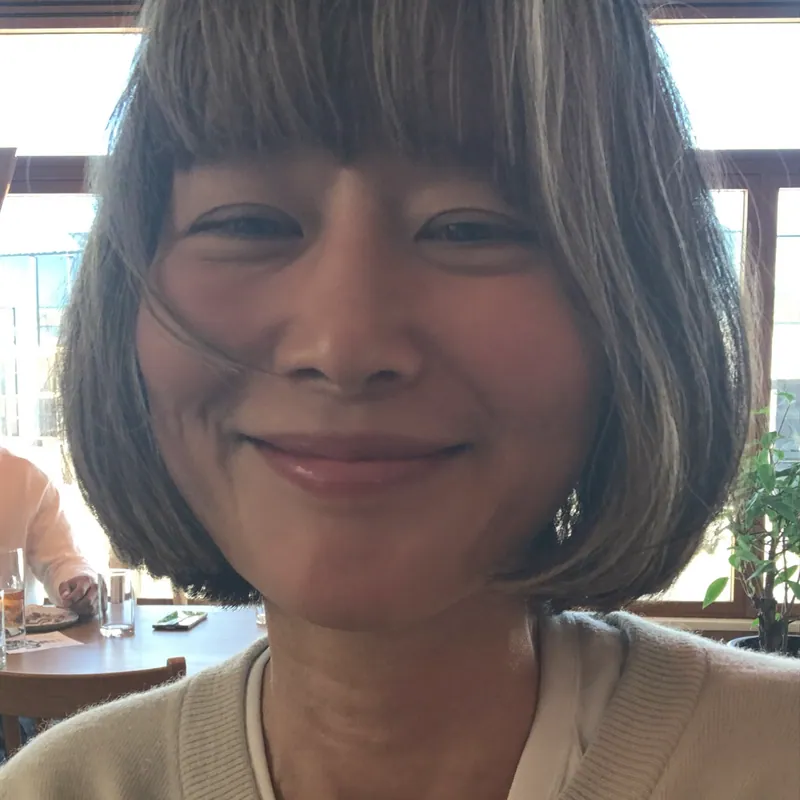
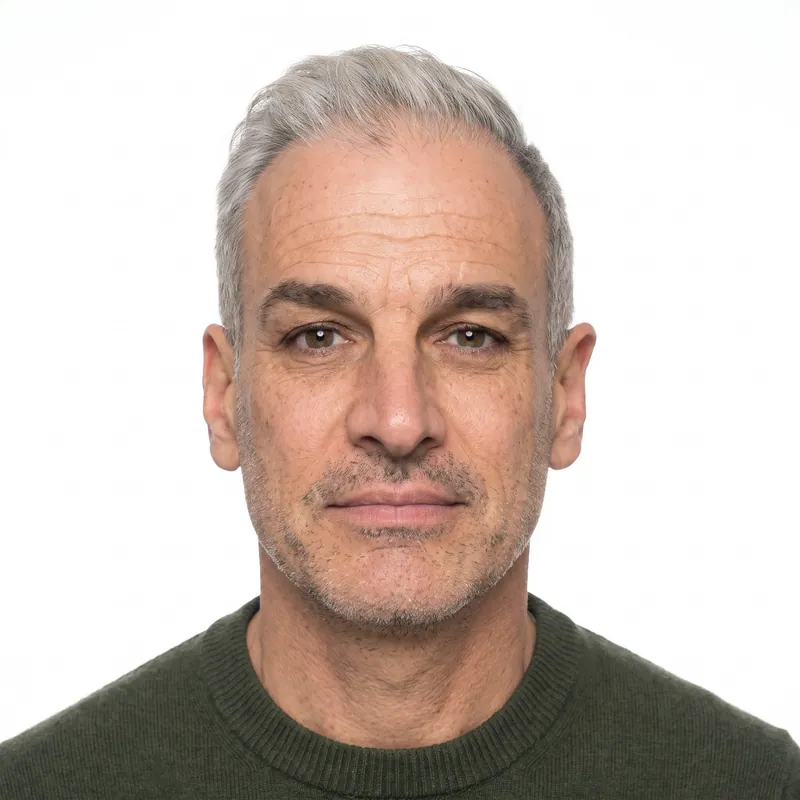
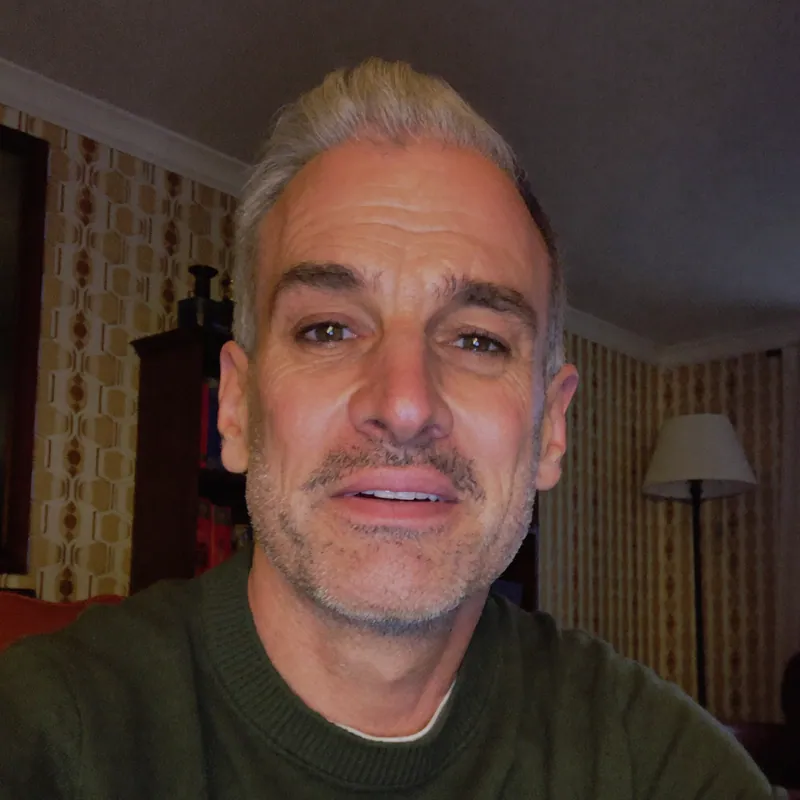
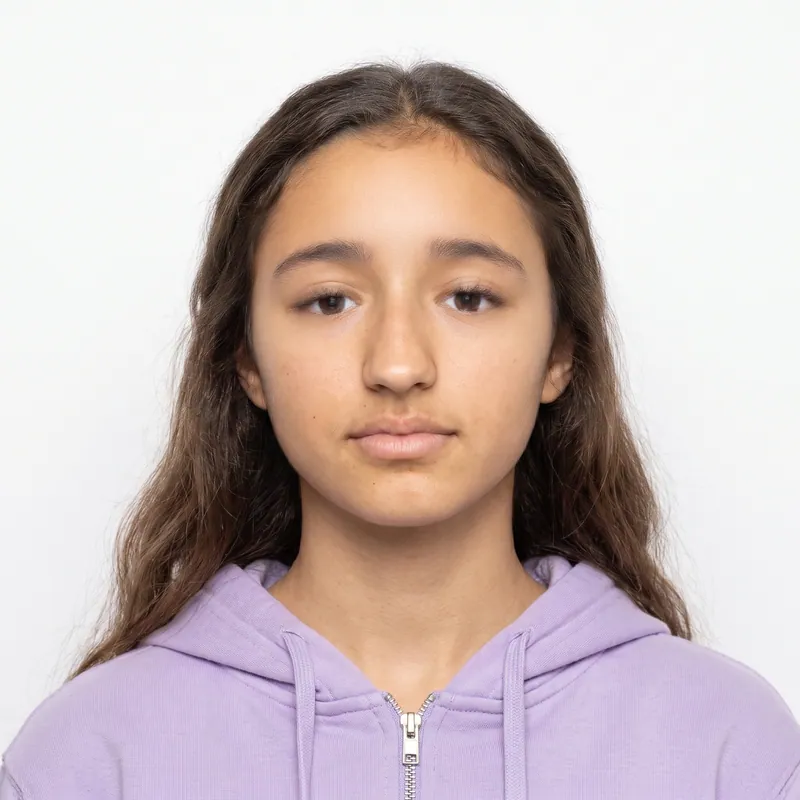
Key takeaways
- The DS-160 photo is digital first: a square JPEG from 600 x 600 to 1200 x 1200 pixels and no more than 240 KB.
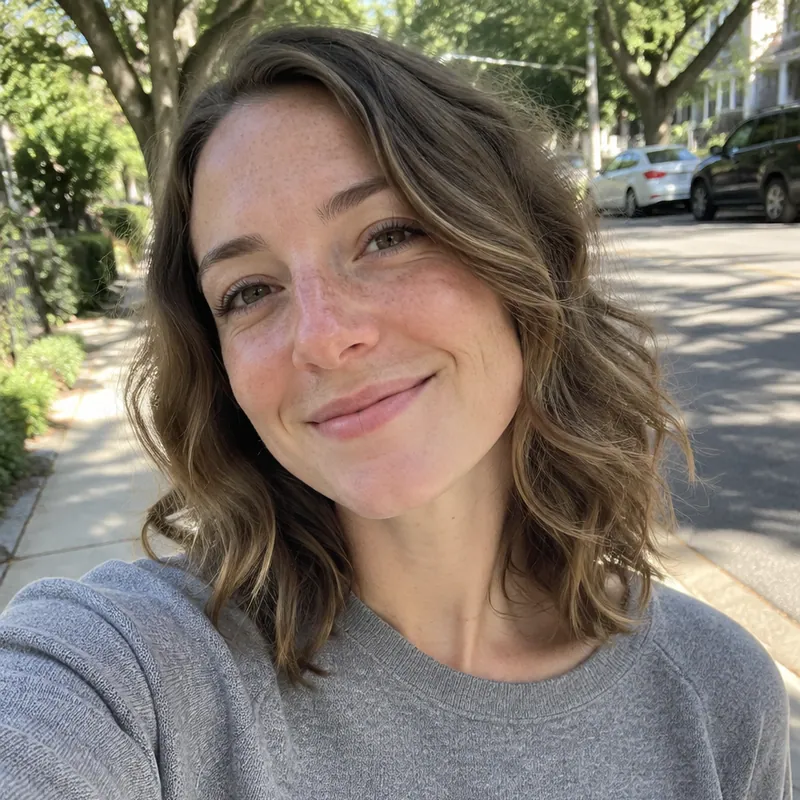
- Glasses have been banned in U.S. visa photos since November 1, 2016. A natural smile counts as a neutral expression.
- Passing the DS-160 upload check does not guarantee the photo is accepted. The consular officer makes the final call.
- Immigrant visa applicants (DS-260) are usually asked for two printed 2 x 2 inch photos as well.
At a glance
- Digital file
- Square JPEG, 600 x 600 to 1200 x 1200 px
- File size
- Up to 240 KB, compression no more than 20:1
- Print size
- 2 x 2 inches (51 x 51 mm) when a print is requested
- Head height
- 1 to 1 3/8 in, 50% to 69% of the image height
- Eye line
- 1 1/8 to 1 3/8 in (56% to 69%) up from the bottom
- Background
- Plain white or off-white, no shadows
- Glasses
- Not allowed since November 1, 2016
- Taken
- Within the last 6 months
- Photo size
- 2 x 2 in (50.8 x 50.8 mm)
- Head heightchin to top of head
- 1 to 1 3/8 in (25.4 to 34.9 mm)
- Eye linefrom the bottom edge
- 1 1/8 to 1 3/8 in (28.6 to 34.9 mm)
- Background
- Plain white or off-white, no shadows, texture or objects.
- Glasses
- Not allowed in new visa photos (rule since 1 Nov 2016).
- Expression
- Neutral, both eyes open.
- Taken
- Taken within the last 6 months.
US visa photo requirements
Every U.S. visa photo must meet two sets of rules: the digital limits for the DS-160 or DS-260 upload, and the composition rules consular officers apply. The composition rules come from the Foreign Affairs Manual, 9 FAM 303.6. The file limits come from the State Department's digital image requirements page as published at our last review in November 2026.
Older State Department guidance also lists 24-bit color (sRGB). Any normal color JPEG from a phone meets that, so you do not need to change any settings.
| Requirement | Digital upload (DS-160 / DS-260) | Printed photo |
|---|---|---|
| Size | Square, 600 x 600 to 1200 x 1200 px | 2 x 2 in (51 x 51 mm) |
| Format | JPEG | Color print on photo paper |
| File size | Up to 240 KB, compression up to 20:1 | Not applicable |
| Head height | 50% to 69% of the image height | 1 to 1 3/8 in (25 to 35 mm) |
| Eye line | 56% to 69% of the height from the bottom | 1 1/8 to 1 3/8 in from the bottom |
| Background | Plain white or off-white | Plain white or off-white |
| Expression | Neutral, both eyes open; a natural smile counts as neutral | Same |
| Glasses | Not allowed (rare medical exception with a signed statement) | Same |
| Head covering | Only if worn daily for religious purposes; face fully visible, no shadows | Same |
| Clothing | Everyday clothing; no uniforms or headphones | Same |
| Recency | Taken within the last 6 months | Taken within the last 6 months |
DS-160 photo size in pixels, explained
The DS-160 accepts any square JPEG from 600 to 1200 pixels per side. Your head and eyes must sit in the same proportions as a 2 x 2 inch print, so the pixel targets scale with the image size.
The 240 KB cap is the part that trips people up. A 1200 x 1200 photo straight from a phone is usually far bigger than 240 KB. Squeezing it down too hard can break the 20:1 compression limit. If you read that limit as the uncompressed size divided by the file size, a 600 x 600 file should be at least about 54 KB, and a 1200 x 1200 file at least about 216 KB. That leaves very little room at the top end, which is why a file near 600 x 600 is the easiest to get right.
Scanning an existing print also works: the State Department asks for a 2 x 2 inch photo scanned at 300 pixels per inch, which gives 600 x 600 pixels.
| Image size | Head height (chin to top of head) | Eye line from bottom edge |
|---|---|---|
| 600 x 600 px | 300 to 414 px | 338 to 413 px |
| 900 x 900 px | 450 to 621 px | 506 to 619 px |
| 1200 x 1200 px | 600 to 828 px | 675 to 825 px |
DS-160 photo by visa type: B1/B2, F-1, H-1B and K-1
Every nonimmigrant visa that uses the DS-160 follows the same photo rules, whatever the visa category. What changes from one visa type to another is who needs a photo and whether the embassy also asks for prints.
B1/B2 visitor visa
Tourists and business visitors upload one photo with the DS-160. If you renew through an interview waiver (drop box) program, some posts ask you to include a printed 2 x 2 photo, so read your embassy's checklist.
F-1 student and J-1 exchange visas
Students and exchange visitors use the same DS-160 photo as everyone else. The photo must be taken within 6 months, so do not reuse the picture from your school application or student ID.
H-1B work visa and H-4 family
The H-1B worker and each H-4 spouse or child file their own DS-160, and each needs their own photo. Young children follow the same rules, with no parent visible in the photo.
K-1 fiancé(e) visa
The K-1 is processed with a DS-160, so it needs the digital photo. Many embassies also ask K-1 applicants to bring printed 2 x 2 photos to the interview; check the interview instructions from your embassy.
Immigrant visas (DS-260)
Spouse, family, employment and diversity immigrant visas use the DS-260, and applicants are usually asked for two printed 2 x 2 photos. For the green card lottery entry itself, see the DV lottery photo guide.
| Visa type | Form | Digital photo | Printed photos |
|---|---|---|---|
| B1/B2 visitor | DS-160 | Yes, one upload | Only if your embassy asks (some drop box renewals do) |
| F-1, M-1 student; J-1 exchange | DS-160 | Yes, one upload | Only if your embassy asks |
| H-1B worker; H-4 spouse and children | DS-160 for each person | Yes, one per person | Only if your embassy asks |
| K-1 fiancé(e) | DS-160 | Yes, one upload | Often requested for the interview; check your embassy |
| Immigrant visas | DS-260 | Per embassy instructions | Usually 2 printed 2 x 2 photos |
Why US visa photos get rejected
Visa photos fail in two places: at the DS-160 upload, which checks the file, and at the consulate, where an officer checks your face and the photo quality.
At the upload
- The file is not a JPEG, not square, smaller than 600 x 600 or larger than 1200 x 1200 pixels.
- The file is over 240 KB, or so heavily compressed that it looks blocky.
At the consulate
- Glasses. They are banned in new visa photos, even with clear lenses.
- Copied photos. Photos taken from an ID or passport, snapshots, magazine pictures and vending machine photos are not accepted.
- Old photos. The photo must be taken within 6 months. Do not reuse the photo from an earlier visa.
- Shadows and color casts. Shadows on the face or background, or a yellow or blue tint from indoor light.
- Head size and position. A head that is too small, tilted or turned.
- Head coverings and headphones. Coverings are allowed only for daily religious wear and must leave the full face visible.
The DS-160 tool accepting your file is not a guarantee. The State Department says a photo that passes the system check can still be found unacceptable later.
Uploading to the DS-160 and when you need a print
Most nonimmigrant visa applicants only need the digital file. You upload it in the photo step of the DS-160, and if it works, the photo appears on your DS-160 confirmation page. Print or save that page for your interview.
If the upload fails, fix the file and try again. Some embassies allow you to continue and bring a printed 2 x 2 inch photo to the interview instead, and some suggest bringing one printed photo regardless. Check the instructions from the embassy or consulate where you will interview.
Immigrant visa applicants who file the DS-260 are usually asked for two printed 2 x 2 inch photos for the interview. The Photo + print sheet package gives you the upload file and a 4x6 sheet with six 2 x 2 photos when printed borderless.
How PhotoForPass makes a DS-160 photo
PhotoForPass works as a U.S. visa photo tool and editor in one: it checks your photo against the visa rules, then crops and formats it for the DS-160 limits.
- Checks before payment. Face size, centering, tilt, open eyes, closed mouth, lighting, shadows, blur and background are checked in your browser. Your photo stays on your device until you pay.
- Crop and format. After payment, our editing tool crops the photo to a square, places the head and eyes inside the official ranges, replaces the background with plain white and saves a JPEG sized for the DS-160. Faces are never retouched.
- Delivery. The file is ready in 30 to 60 seconds. The Digital photo costs $16.95; Photo + print sheet costs $18.95 if you also need 2 x 2 prints for the interview.
You get up to 5 photo checks and 3 free redos per person, a 14-day money-back guarantee with no questions asked, and a full refund if the agency rejects the photo. PhotoForPass is not affiliated with the U.S. Department of State, and final acceptance is up to the consular officer.
How to take a US visa photo at home
About 5 minutes
-
Step 1: Set up light and background
Stand facing a window in daylight with a plain light wall behind you. Avoid yellow indoor bulbs, which can tint the photo, and lamps to one side, which cast shadows.
-
Step 2: Remove glasses and headphones
Take off glasses, hats, headphones and earbuds. Religious head coverings worn daily may stay on if your whole face is visible.
-
Step 3: Frame head and shoulders
Have someone hold the phone at eye level about 4 feet away. Include your full head, hair and the top of your shoulders, with space above your head.
-
Step 4: Look straight at the camera
Keep your head level and facing forward with both eyes open. A neutral face or a natural smile is fine. Take several shots.
-
Step 5: Format the file
Upload the best shot to PhotoForPass. It runs the checks in your browser, then crops to a square, positions your head and saves a DS-160 sized JPEG.
-
Step 6: Upload to the DS-160
Upload the JPEG in the photo step of your DS-160. Confirm the photo appears on the confirmation page, and keep a print in case your embassy asks for one.
Pricing
Simple prices, no subscription
Pay once, only when you like the result. Every package includes up to 5 photo checks and 3 free redos per person.
-
Digital photo
For online forms only
$16.95- Official-size digital JPG
- Ready for online applications
- Up to 5 checks, 3 free redos
- Most popular
Photo + print sheet
Digital file and prints
$18.95- Everything in Digital
- Print-ready 4x6 sheet (JPG + PDF)
- Print at home, CVS, Walgreens or Walmart
-
Family pack, 2 people
Two people, one order
$29.95- Photo + print sheet for 2 people
- Each person checked separately
- One checkout
- Best value
Family pack, 3 people
Three people, one order
$39.95- Photo + print sheet for 3 people
- Each person checked separately
- One checkout
Prices in US$. One-time payment with Apple Pay, Google Pay, cards or Link.
FAQ
Frequently asked questions
What size is a US visa photo?
A U.S. visa photo is 2 x 2 inches (51 x 51 mm) when printed. For the DS-160 online form it is a square JPEG between 600 x 600 and 1200 x 1200 pixels, up to 240 KB. In both cases the head should measure 1 to 1 3/8 inches from chin to top of head, or 50% to 69% of the image height.
What is the DS-160 photo size in pixels?
The DS-160 photo must be square, at least 600 x 600 pixels and no more than 1200 x 1200 pixels. In a 600 x 600 image, the head should be 300 to 414 pixels tall and the eyes 338 to 413 pixels above the bottom edge. PhotoForPass sets these positions automatically.
What is the maximum file size for a DS-160 photo?
The DS-160 photo file can be at most 240 KB, in JPEG format, with a compression ratio of no more than 20:1. Phone photos are often much larger, so they need resizing. Avoid compressing until the image looks blocky, because a low quality file can be rejected even if it uploads.
Can I wear glasses in a US visa photo?
No. Glasses have not been allowed in U.S. visa photos since November 1, 2016. In rare cases a medical reason makes removing them impossible, and then you need a signed medical statement. For everyone else, take your glasses off before the photo, even if the lenses are clear.
Can I smile in a US visa photo?
The State Department's visa photo standards in 9 FAM 303.6 treat a natural smile as a neutral expression, so a small, relaxed smile is acceptable. Keep both eyes open and look straight at the camera. Avoid a wide, toothy grin, raised eyebrows or squinting.
Can I use my passport photo for my US visa application?
You can use a photo taken for your passport if it was taken within the last 6 months and meets the visa rules, including no glasses and the correct head size. You cannot scan or copy the photo from your passport or another ID; photos copied from IDs are not accepted. Use the original image file instead.
What should I do if my DS-160 photo upload fails?
If the DS-160 photo upload fails, check that the file is a square JPEG between 600 and 1200 pixels and no larger than 240 KB, then try again. Some embassies let you continue and bring a printed 2 x 2 inch photo to the interview. Check the instructions for your embassy or consulate.
Do I need a printed photo for my US visa interview?
Most nonimmigrant visa applicants only need the digital DS-160 photo, which appears on the confirmation page. Some embassies suggest bringing one printed 2 x 2 inch photo anyway. Immigrant visa applicants (DS-260) are usually asked for two printed 2 x 2 inch photos. Check your embassy's instructions.
How recent does a US visa photo need to be?
A U.S. visa photo must be taken within the last 6 months and must show how you look now. Do not reuse the photo from a previous visa application, even if it still looks like you. If your appearance has changed a lot, for example after removing a beard, take a new photo.
Can I wear a hijab or religious head covering in a US visa photo?
Yes, if you wear it daily for religious purposes. Your full face must be visible, and the covering must not cast shadows on your face. Hats and head coverings worn for other reasons are not allowed. Consular officers may ask about the covering at your interview.
Do B1/B2, F-1, H-1B and K-1 visas need different photos?
No. All U.S. nonimmigrant visas that use the DS-160, including B1/B2 visitor, F-1 student, J-1 exchange, H-1B work and K-1 fiancé(e) visas, follow the same photo rules: a square JPEG of 600 to 1200 pixels, up to 240 KB, white background, no glasses. The difference is whether your embassy also asks for printed 2 x 2 photos at the interview.
Is a US visa photo the same as a 2x2 photo?
Yes, in print. A printed U.S. visa photo is a standard 2 x 2 inch photo with the same head size and white background as a U.S. passport photo. The difference is the DS-160 digital file, which must be a square JPEG of 600 to 1200 pixels and no more than 240 KB.
Can I use PhotoForPass for a DS-260 immigrant visa photo?
Yes. Choose Photo + print sheet for $18.95. You get a JPEG for the online form and a 4x6 print sheet with six 2 x 2 inch photos when printed borderless, enough for the two printed photos immigrant visa interviews usually ask for. Each person in the family needs their own photo.
Related
- Green card photo For I-485, I-765, I-131 and I-90
- DV lottery photo Digital photo for the Diversity Visa entry
- USCIS photo Passport-style photos for USCIS forms
- 2x2 photo maker Any 2 x 2 inch photo in about a minute
- Digital passport photo A file sized for online forms
- Passport photo checker Check a photo against the rules
- Size in pixels Pixels, DPI and file size
- Glasses rules When glasses are and are not allowed
Official sources
We check these pages when the rules change. Last updated Nov 8, 2026.
Ready when you are
Get your DS-160 photo
Check your photo in your browser, then download a square JPEG sized for the DS-160 in about a minute. 14-day money-back guarantee.
- 14-day money-back guarantee
- Photo stays on your device until you pay
- Checked against official rules
Every document
Photos for passports, visas and IDs
Each document has its own size and rules. Pick yours and we set everything up.