
Immigration forms
USCIS Photo Requirements: Which Forms Need Photos
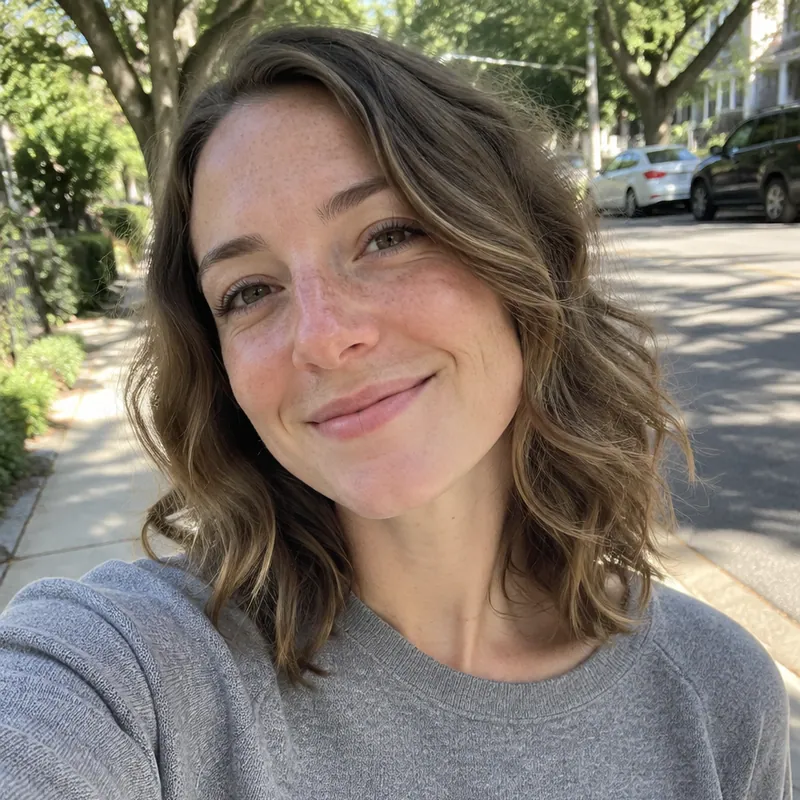
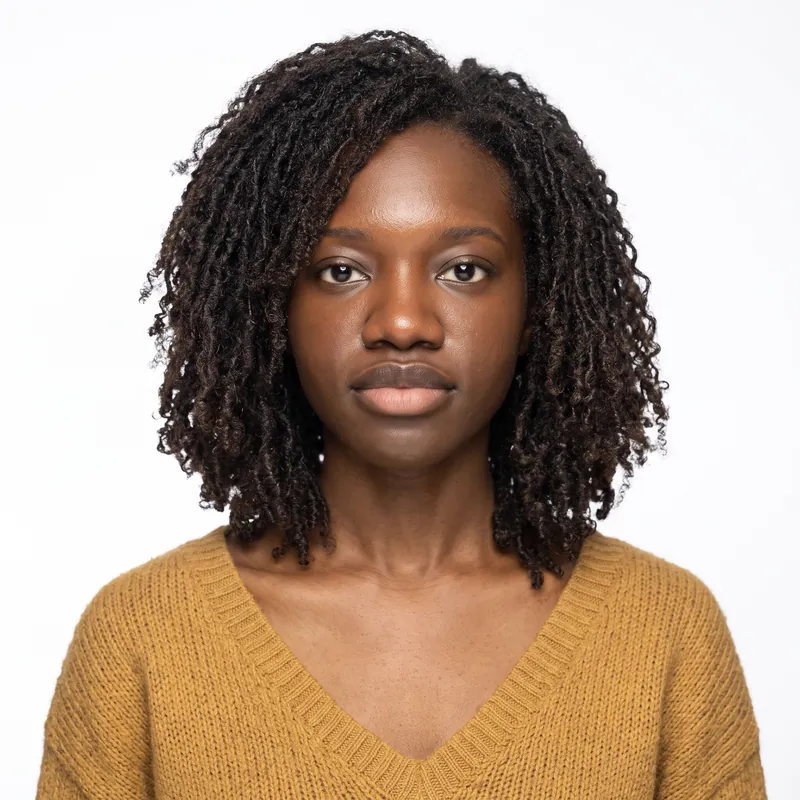
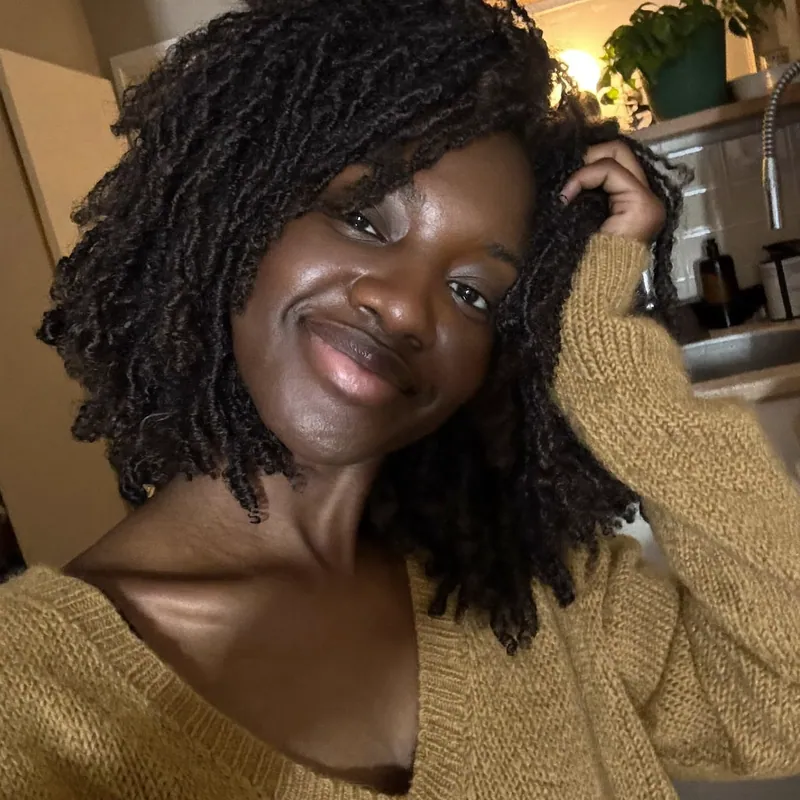
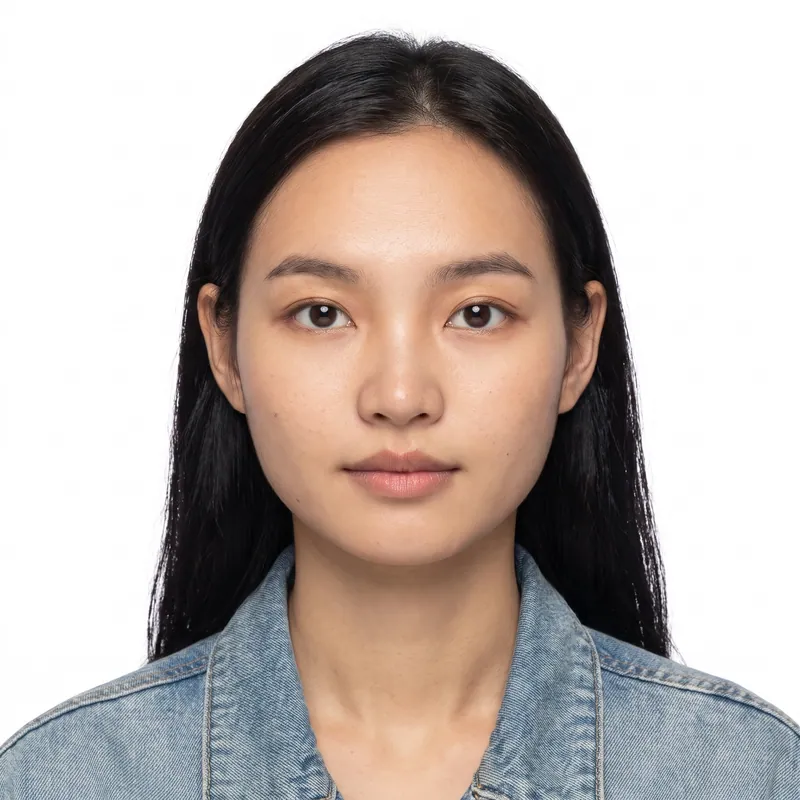
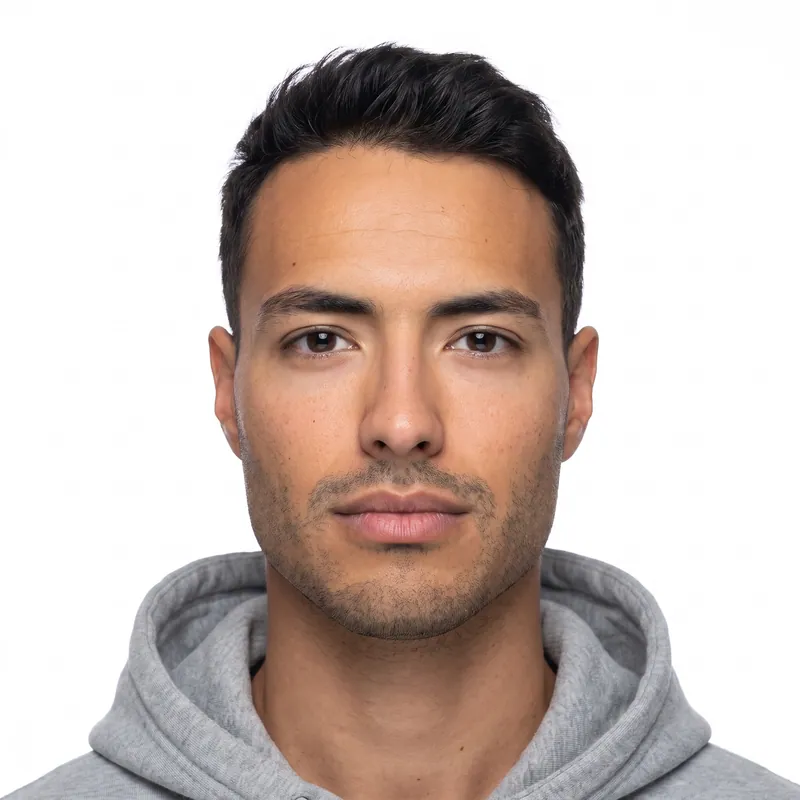
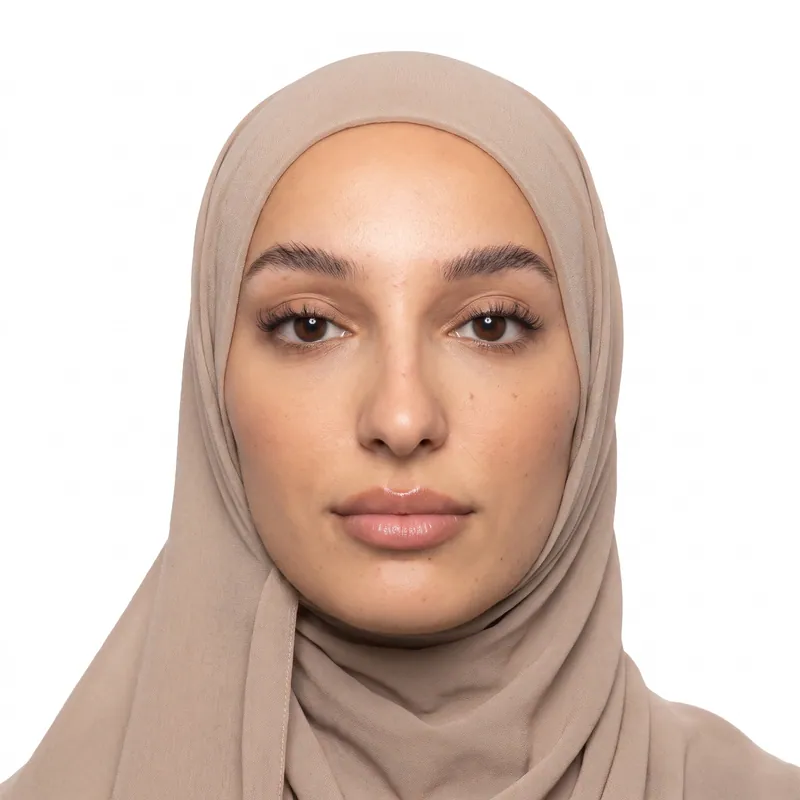
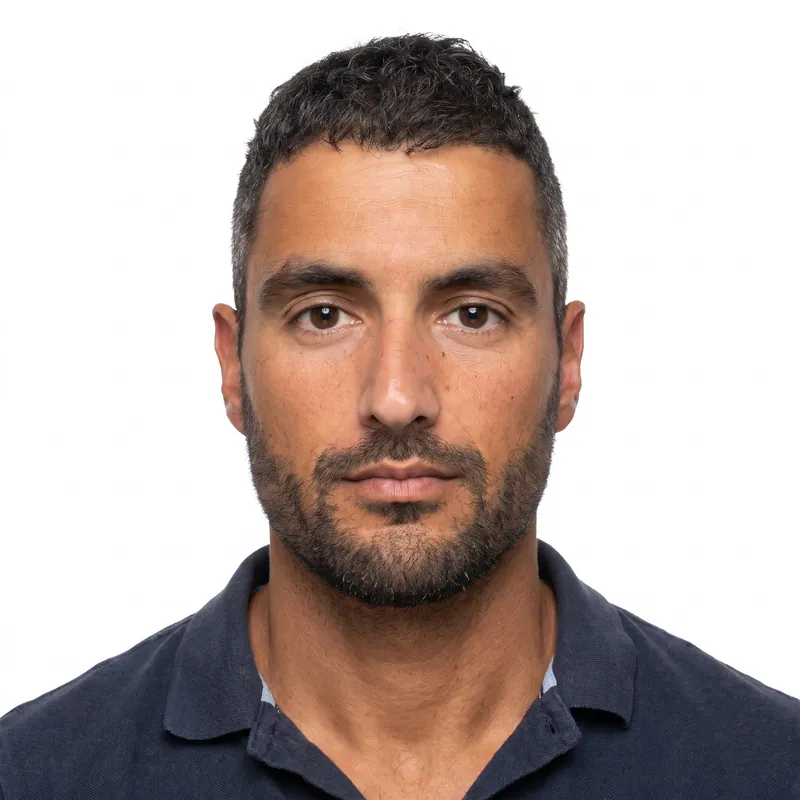
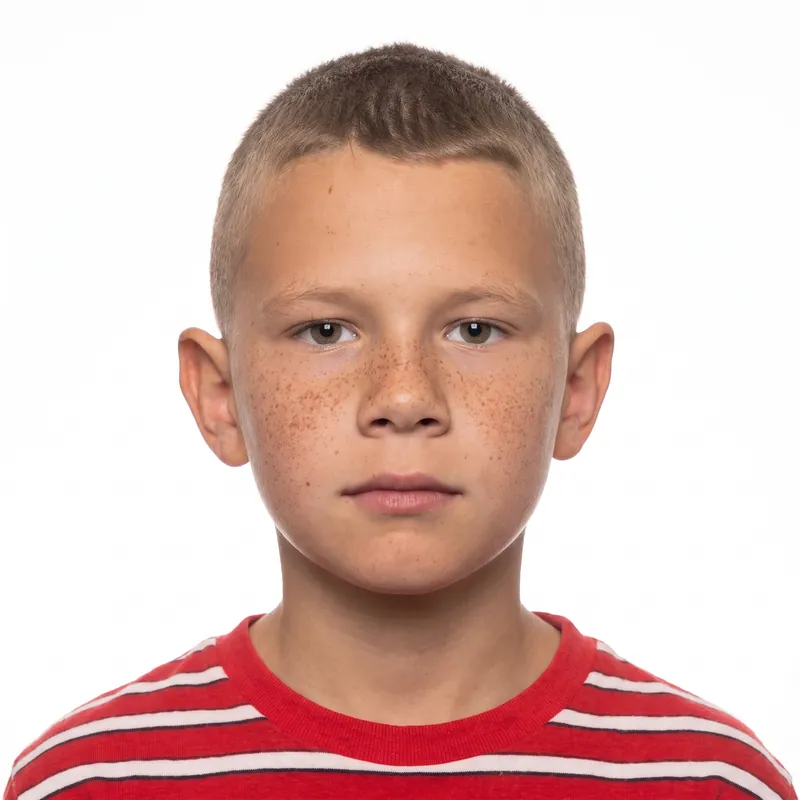
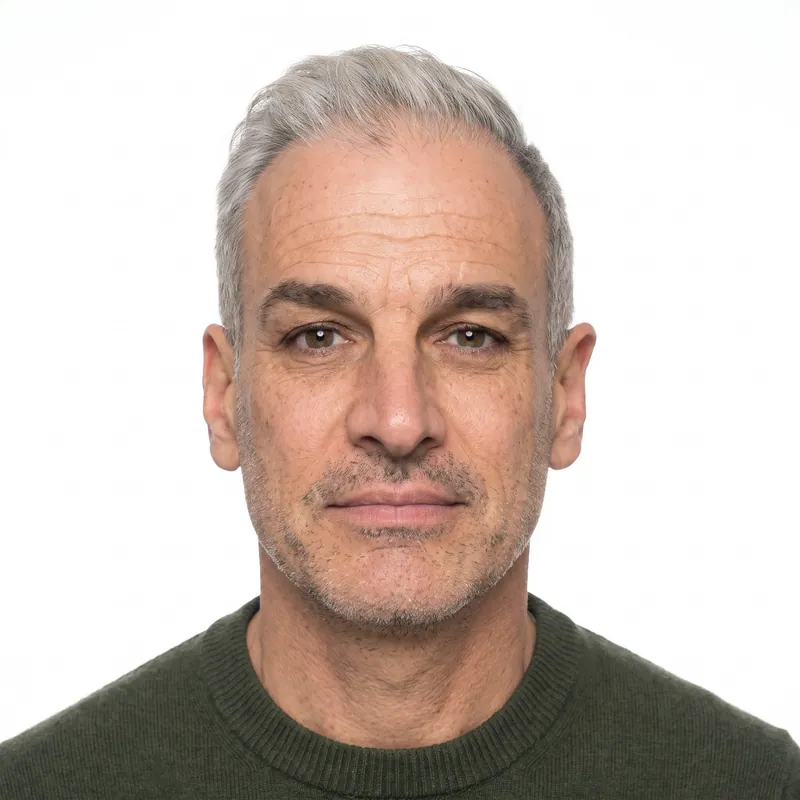
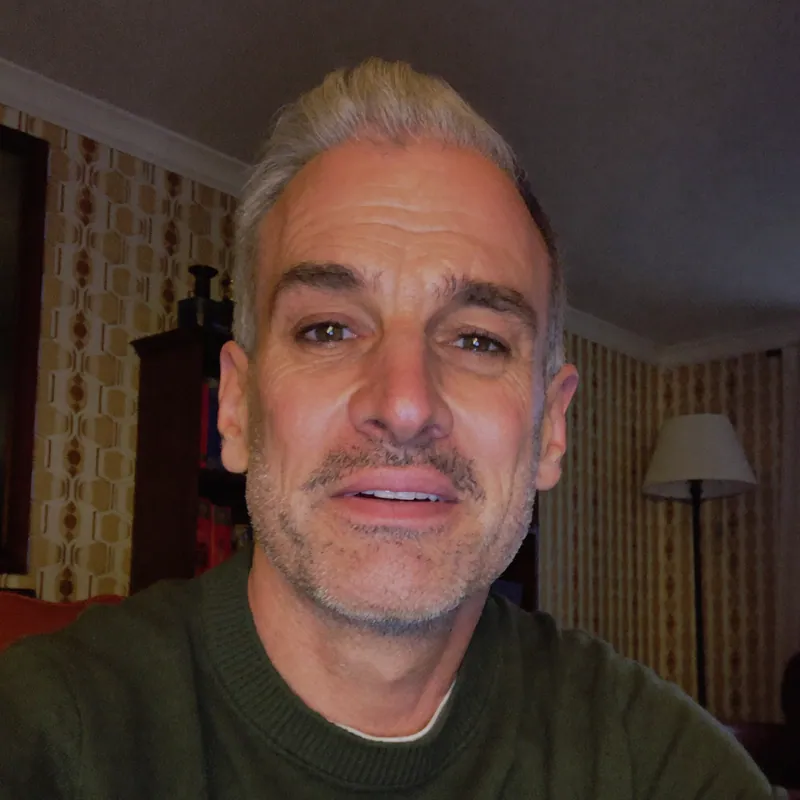
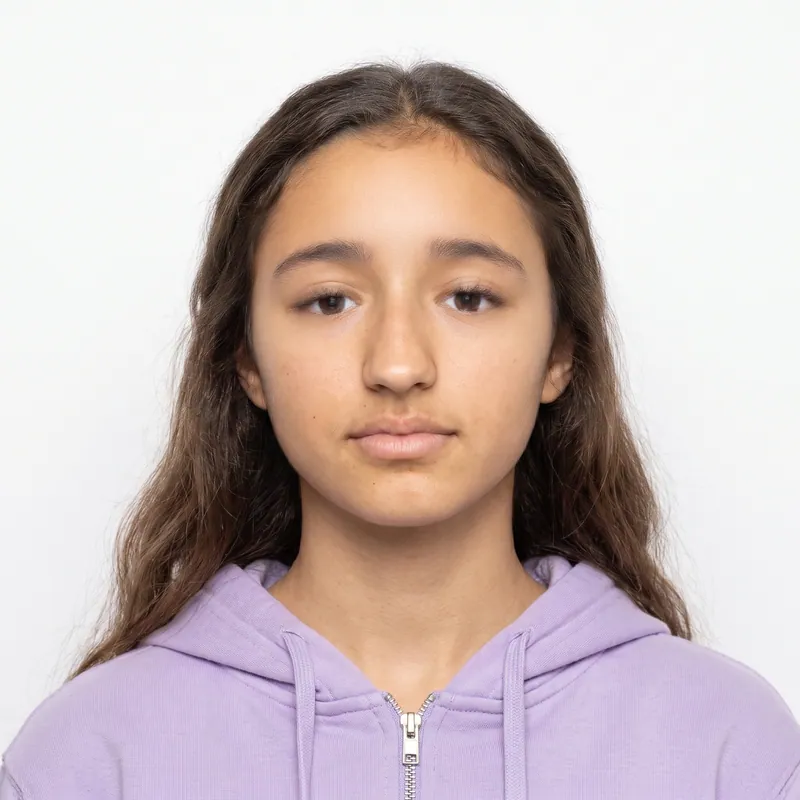
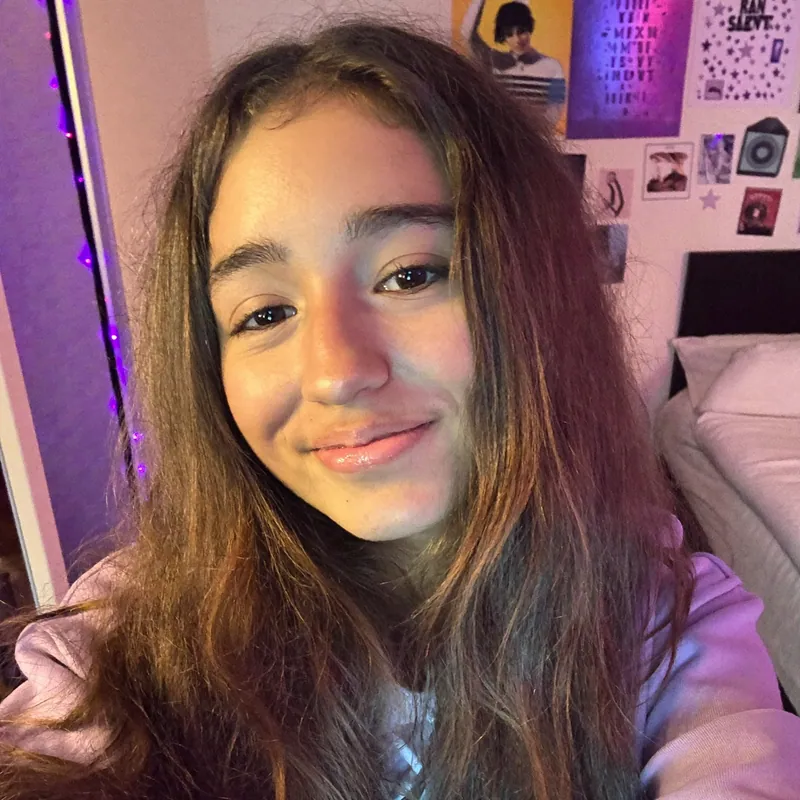
A USCIS photo is a 2 x 2 inch color, passport-style print on a white to off-white background, with the head 1 to 1 3/8 inches from the top of the hair to the chin and the eyes 1 1/8 to 1 3/8 inches from the bottom. The same rules apply to every USCIS form that asks for photos, usually two identical prints. PhotoForPass turns a phone photo into a USCIS print sheet in about a minute.
- 14-day money-back guarantee
- Photo stays on your device until you pay
- Checked against official rules





Key takeaways
- USCIS uses one photo standard across its paper forms: 2 x 2 inches, head 1 to 1 3/8 inches, eyes 1 1/8 to 1 3/8 inches from the bottom.
- Photos are counted per form and per person. Filing I-485 and I-765 together means two sets of two identical photos.
- Paper forms that ask for photos need printed photos, not digital files. Since December 12, 2025, USCIS does not use self-submitted photos to make cards and documents.
- Write your name and A-Number lightly on the back of every photo in pencil or felt pen.
At a glance
- Size
- 2 x 2 inches (51 x 51 mm), color
- Head height
- 1 to 1 3/8 in, top of hair to bottom of chin
- Eye line
- 1 1/8 to 1 3/8 in from the bottom
- Background
- White to off-white
- Usual number
- 2 identical photos per form (check each form)
- Finish
- Thin glossy paper, unmounted, unretouched
- Label
- Name and A-Number on the back, pencil or felt pen
- Biometrics
- Card photos are taken by USCIS at biometrics, not reused from mailed prints
- Photo size
- 2 x 2 in (50.8 x 50.8 mm)
- Head heightchin to top of head
- 1 to 1 3/8 in (25.4 to 34.9 mm)
- Eye linefrom the bottom edge
- 1 1/8 to 1 3/8 in (28.6 to 34.9 mm)
- Background
- White to off-white.
- Glasses
- USCIS instructions do not mention glasses.
- Expression
- Full face, frontal view.
- Taken
- 'Taken recently' (no fixed number of days in current instructions).
USCIS photo requirements, rule by rule
USCIS prints the same photo paragraph in the instructions for its main paper forms, including Form I-485, Form I-765 and Form N-400. The table pairs each official rule with what it means when you take the photo yourself.
Two rules are left open. USCIS does not mention glasses, and it asks for photos taken 'recently' without a fixed number of days. We recommend removing glasses and taking new photos for each filing.
| Rule | What USCIS says | In practice |
|---|---|---|
| Size | 2 x 2 inches, color | Print exactly 2 x 2 in; wallet sizes are too small |
| Head height | 1 to 1 3/8 in, top of hair to bottom of chin | About 50% to 69% of the photo height |
| Eye line | 1 1/8 to 1 3/8 in from the bottom | Eyes sit a little above the middle of the photo |
| Background | White to off-white | No gray, blue or patterned walls, no shadows |
| Pose | Full face, frontal view | Face the camera with your head level |
| Head | Bare unless your religion requires headwear | No caps, hats or fashion scarves |
| Finish | Thin paper, glossy finish, unmounted, unretouched | Glossy photo paper, no filters, nothing glued on |
| Labeling | Name and A-Number in pencil or felt pen on the back | Write lightly so nothing shows through |
| Glasses | Not mentioned | Remove them, as State Department standards require |
| Recency | Taken recently | Take new photos for each filing |
Which USCIS forms need photos
Photo needs differ by form, and each form counts its own photos. The table gives the quick answer; the short summaries below link to a dedicated guide for each form. Always read the photographs part of the instructions for the edition you file, since USCIS updates its forms often.
Green card: Form I-485 and Form I-90
Form I-485 asks for two identical photos, and USCIS also takes a new photo at your biometrics appointment. Form I-90, used to renew or replace a green card, needs no mailed photos because USCIS takes your photo at biometrics. See the green card photo guide.
Work permit: Form I-765
A paper Form I-765 asks for two identical photos, even when it is filed together with Form I-485. See the work permit photo guide.
Travel documents: Form I-131
Form I-131 asks for two identical photos only in some situations: advance parole or TPS travel requests filed from inside the United States, and refugee travel documents requested from abroad. Re-entry permit applicants mail no photos; USCIS takes biometrics at an Application Support Center. See the I-131 travel document photo guide.
Citizenship: Form N-400 and Form N-600
Most N-400 applicants living in the United States mail no photos, because USCIS takes a new photo at biometrics. Photos are needed only when the instructions ask, such as for certain applicants filing from abroad. Form N-600 for a Certificate of Citizenship follows the same pattern: two photos only if you live outside the United States. See the citizenship photo guide.
DACA: Form I-821D
A DACA request is filed with Form I-765, which needs its own photos. See the DACA photo guide.
Spouse petitions: Form I-130 and Form I-130A
When you petition for a spouse, the instructions ask for passport-style photos of both the petitioner and the spouse. Check the current I-130 and I-130A instructions for the exact count.
| Form | Used for | Photos |
|---|---|---|
| I-485 | Adjustment of status (green card) | 2 identical |
| I-90 | Renew or replace a green card | None; USCIS takes your photo at biometrics |
| I-765 | Employment authorization (work permit) | 2 identical |
| I-131 | Advance parole, reentry permit, refugee travel document | 2 for advance parole or TPS travel filed in the U.S. and refugee travel filed abroad; none for reentry permits |
| N-400 | Naturalization (citizenship) | Only when the instructions ask, such as some applicants abroad |
| N-600 | Certificate of Citizenship | 2 only if you live outside the U.S. |
| I-821D | DACA | Filed with Form I-765, which needs its own photos |
| I-130 / I-130A | Petition for a spouse | Photos of petitioner and spouse in spouse cases |
Mailed photos vs your biometrics appointment
USCIS gets your photo in one of two ways: printed photos you mail with a paper form, or a photo its staff take at your biometrics appointment at an Application Support Center.
Paper forms that ask for photos need real prints. USCIS does not accept a digital file for these forms, so a JPG on its own is not enough; you need to print it. When you file online, follow the evidence screens in your USCIS account, which may ask you to upload a passport-style photo.
The December 2025 photo policy
USCIS Policy Alert PA-2025-29, dated December 12, 2025, says USCIS will not use or reuse self-submitted photographs to make secure documents such as green cards and work permits. The photo on your card generally comes from your biometrics appointment. Forms N-400, N-600, I-90 and I-485 always need a new photo there, and for other forms USCIS may reuse a photo it took within the last 36 months. Form instructions may still ask you to mail photos, so send the ones your form asks for and watch for your biometrics notice.
This is different from the U.S. Department of State, which takes digital files for the DS-160 visa form and the DV lottery. If you need one of those, see our US visa photo and DV lottery photo guides.
USCIS photo checklist before you mail your forms
Run through this checklist with the printed photos in your hand. Each item matches a rule from the USCIS instructions or a common reason photos get questioned.
- Each photo measures exactly 2 x 2 inches after cutting.
- The head measures 1 to 1 3/8 inches from the top of the hair to the chin.
- The eyes are 1 1/8 to 1 3/8 inches above the bottom edge.
- The background is plain white or off-white with no shadows.
- No glasses, no hat, no headphones; religious headwear only if required.
- Both photos for a form come from the same shot and look identical.
- Printed on glossy photo paper, not a photocopy, not glued onto card.
- No filters or retouching.
- Name and A-Number written lightly on the back.
- Enough photos for every form and every person in the package.
If you are not sure your existing photo passes, try the passport photo checker, which runs in your browser.
How PhotoForPass makes USCIS photos
PhotoForPass works like a photo studio's editing desk for your phone photo: it checks the photo against the USCIS rules, fixes it and gives you a print-ready sheet.
- Smart check first. Face size, centering, tilt, eyes, mouth, lighting, shadows, blur and background are checked on your device before you pay. Your photo is not uploaded until then.
- USCIS sizing. After payment, we fix the lighting, replace the background with plain white, and size and crop the photo to 2 x 2 inches with the head measured from the top of the hair to the chin. Faces are never retouched.
- Print sheet. Photo + print sheet at $18.95 includes the digital JPG and a 4x6 sheet as JPG and PDF. Printed borderless, it gives six identical photos, enough for two forms with spares.
- Families. Family packs cover 2 people for $29.95 or 3 people for $39.95, handy when a whole family files together.
You get up to 5 photo checks and 3 free redos per person, a 14-day money-back guarantee with no questions asked, and a full refund if the agency rejects the photo. PhotoForPass is independent and not affiliated with USCIS; final acceptance is up to USCIS.
How to make USCIS photos at home
About 10 minutes
-
Step 1: Set up by a window
Face a window in daylight with a plain light wall behind you. Soft light from the front keeps shadows off your face and the wall.
-
Step 2: Prepare your look
Remove glasses, hats and earbuds. Keep religious headwear only if your religion requires it. Wear everyday clothes and keep hair off your face.
-
Step 3: Shoot straight on
Ask someone to hold the phone at eye level about 4 feet away. Look straight at the lens, head level, both eyes open, neutral expression.
-
Step 4: Format to USCIS size
Upload the photo to PhotoForPass. The checks run in your browser first, then we fix the light, whiten the background and crop to 2 x 2 inches with USCIS head and eye positions.
-
Step 5: Print, cut and label
Print the 4x6 sheet on glossy photo paper, cut photos to exactly 2 x 2 inches, and write your name and A-Number lightly on the back of each one.
Pricing
Simple prices, no subscription
Pay once, only when you like the result. Every package includes up to 5 photo checks and 3 free redos per person.
-
Digital photo
For online forms only
$16.95- Official-size digital JPG
- Ready for online applications
- Up to 5 checks, 3 free redos
- Most popular
Photo + print sheet
Digital file and prints
$18.95- Everything in Digital
- Print-ready 4x6 sheet (JPG + PDF)
- Print at home, CVS, Walgreens or Walmart
-
Family pack, 2 people
Two people, one order
$29.95- Photo + print sheet for 2 people
- Each person checked separately
- One checkout
- Best value
Family pack, 3 people
Three people, one order
$39.95- Photo + print sheet for 3 people
- Each person checked separately
- One checkout
Prices in US$. One-time payment with Apple Pay, Google Pay, cards or Link.
FAQ
Frequently asked questions
What are the USCIS photo requirements?
USCIS photos must be 2 x 2 inch color prints on a white to off-white background. The head should measure 1 to 1 3/8 inches from the top of the hair to the bottom of the chin, with the eyes 1 1/8 to 1 3/8 inches from the bottom. Prints must be on thin glossy paper, unmounted and unretouched, with your name and A-Number on the back.
Which USCIS forms require photos?
Common USCIS forms that ask for passport-style photos include Form I-485, Form I-765 and Form I-130 and I-130A in spouse cases. Form I-131 asks for them for advance parole, TPS travel and refugee travel documents filed from abroad, and Form N-400 and Form N-600 only in some situations, such as applying from abroad. Form I-90 needs none. Our USCIS photo page links to a guide for each form.
How many photos does USCIS need?
Most USCIS forms that ask for photos want two identical passport-style photos, and each form counts separately. For example, Form I-485 and Form I-765 filed together need four photos in total. Some forms need none, such as Form I-90. Check each form's instructions, and make a set for every person filing.
Do I need photos for Form I-130?
In spouse cases, yes. When a U.S. citizen or permanent resident petitions for a husband or wife, the Form I-130 and Form I-130A instructions ask for passport-style photos of both the petitioner and the spouse. Petitions for other relatives generally do not. Check the current instructions for the number of photos and how to label them.
Does USCIS take my photo at the biometrics appointment?
Yes, in most cases. At a biometrics appointment at an Application Support Center, USCIS takes your fingerprints, signature and photo. Under Policy Alert PA-2025-29 from December 12, 2025, USCIS does not use or reuse self-submitted photos to make cards and documents, so the photo on your card generally comes from biometrics. Forms whose instructions ask for photos still need printed 2 x 2 inch photos in the package.
Can I use a passport photo for USCIS?
Usually yes. A U.S. passport-style photo has the same 2 x 2 inch size, head height and white to off-white background as a USCIS photo. For USCIS, make sure it is recent, print two identical copies on thin glossy paper, do not mount them, and write your name and A-Number lightly on the back.
Can I send USCIS a digital photo?
Not for paper forms. USCIS paper forms that ask for photos need printed 2 x 2 inch photos mailed with the application. When you file online, follow the evidence screens in your USCIS account, which may ask you to upload a passport-style photo, and expect a biometrics appointment. PhotoForPass gives you a digital JPG and a print sheet, so you are covered either way.
Can I wear glasses in a USCIS photo?
The USCIS instructions do not mention glasses. USCIS refers to State Department passport photo standards, which ban glasses unless a doctor's statement says they cannot be removed. To avoid any chance of a request for new photos, remove your glasses before taking USCIS photos.
How do I label USCIS photos?
Lightly write your full name and your A-Number, if you have one, on the back of each USCIS photo using a pencil or a felt pen. Do not press hard with a ballpoint, which can dent the front, and let felt ink dry before stacking photos so it does not smudge onto the others.
Can I take USCIS photos at home?
Yes. USCIS does not require a professional photographer. Take a phone photo in daylight against a plain light wall, then use PhotoForPass to fix the lighting, whiten the background and crop it to 2 x 2 inches with USCIS head and eye positions. Print the 4x6 sheet on glossy paper at a pharmacy or at home.
Do children need their own USCIS photos?
Yes. Every person who files their own USCIS form that asks for photos needs their own set, including children. Babies and toddlers follow the same 2 x 2 inch rules, with a plain white background and no other person visible. Family packs from PhotoForPass cover 2 people for $29.95 or 3 people for $39.95.
What happens if USCIS does not accept my photos?
If your photos do not meet the rules, USCIS may ask you for new ones, which can delay your case. If that happens with photos made by PhotoForPass, you get a full refund. Every order also has a 14-day money-back guarantee, no questions asked, and 3 free redos to fix any problem first.
Related
- Green card photo For I-485, I-765, I-131 and I-90
- Citizenship photo (N-400) Two 2 x 2 photos for naturalization
- Work permit photo (I-765) EAD card photos for USCIS
- Travel document photo (I-131) Reentry permit and advance parole
- DACA photo Passport-style photos for DACA renewal
- 2x2 photo maker Any 2 x 2 inch photo in about a minute
- Print your photos Print a 4x6 sheet at home or in store
- Passport photo checker Check a photo against the rules
Official sources
We check these pages when the rules change. Last updated Nov 8, 2026.
- USCIS: Form I-485 Instructions (opens in a new tab)
- USCIS: Form I-765 Instructions (opens in a new tab)
- USCIS: Form N-400 Instructions (opens in a new tab)
- USCIS: Form I-90 Instructions (opens in a new tab)
- USCIS: Form I-131 Instructions (opens in a new tab)
- USCIS: N-600, Application for Certificate of Citizenship (opens in a new tab)
- USCIS Policy Alert PA-2025-29: Photograph Reuse for Identity Documents (opens in a new tab)
- USCIS: New Photo Policy Helps Prevent Immigration Fraud (December 12, 2025) (opens in a new tab)
Ready when you are
Get your USCIS photos
Check your photo in your browser, then get a glossy-print-ready 4x6 sheet of identical USCIS photos in about a minute.
- 14-day money-back guarantee
- Photo stays on your device until you pay
- Checked against official rules
Every document
Photos for passports, visas and IDs
Each document has its own size and rules. Pick yours and we set everything up.